
Company Data API: Enrich Your Business Data
A business record is more useful when it contains enough context to support the next decision. Missing details, inconsistent names, and outdated information can make sales research and market analysis harder than they need to be.
A company data API gives software a structured way to request business information. Data enrichment uses that information to supplement existing records, while verification checks whether the information fits the company you intended to research. Together, these practices can make business data easier to evaluate and use.
Build a More Complete Business Record
Start with a specific research question rather than collecting every available field. A sales research team might need to distinguish similarly named businesses; a market research team might need consistent company details for its analysis.
Identify which fields your workflow needs, then check the provider’s documentation for availability, definitions, and permitted use. Keep the original record alongside any proposed additions. An enriched record should show what changed and why, rather than silently replacing information your team already trusts.

Match the Company Before Adding Data
A similar business name is a starting point, not proof of a match. Compare the identifying details available in both records, such as a name and location, and account for naming variations.
Use a clear review process:
- Normalize formatting before comparing records.
- Compare more than one identifying detail when available.
- Flag conflicting or ambiguous matches for review.
- Leave uncertain fields unresolved rather than guessing.
Separate matching from enrichment so a mistaken match does not spread through downstream research.
Make Enrichment a Traceable Workflow
Plan how information moves from an API response into your working records. Define field mappings, validation rules, and how your application handles an empty response or request failure. Confirm the technical details in the provider’s documentation before implementation.
Record when a check occurred and retain source references when available. Route conflicting values for review and establish rules for refreshing records. These are workflow design choices for your team to implement, not assumptions about what an API automatically does.


Where EnformionGO Fits
EnformionGO is a data intelligence platform providing real-time access to identity, people, business, asset, and court record data through self-service searches and API integrations. It draws on more than 6,000 unique data sources for public-record inquiries and cross-referencing existing data.
For business research, use EnformionGO to explore relevant information and cross-reference existing records. Check the available documentation to determine whether the data and API options fit your enrichment requirements. Explore EnformionGO to begin evaluating a workflow for your team.
Start with a Focused Data Review
Choose a small set of business records and define what a useful enrichment result looks like. Review match quality, unresolved conflicts, and whether the added information answers your original research question. Expand the workflow only after you understand those results.
A repeatable process combines relevant data with careful matching and human review where needed. Use the guidance below to become familiar with EnformionGO’s search and API products, and Get Started.
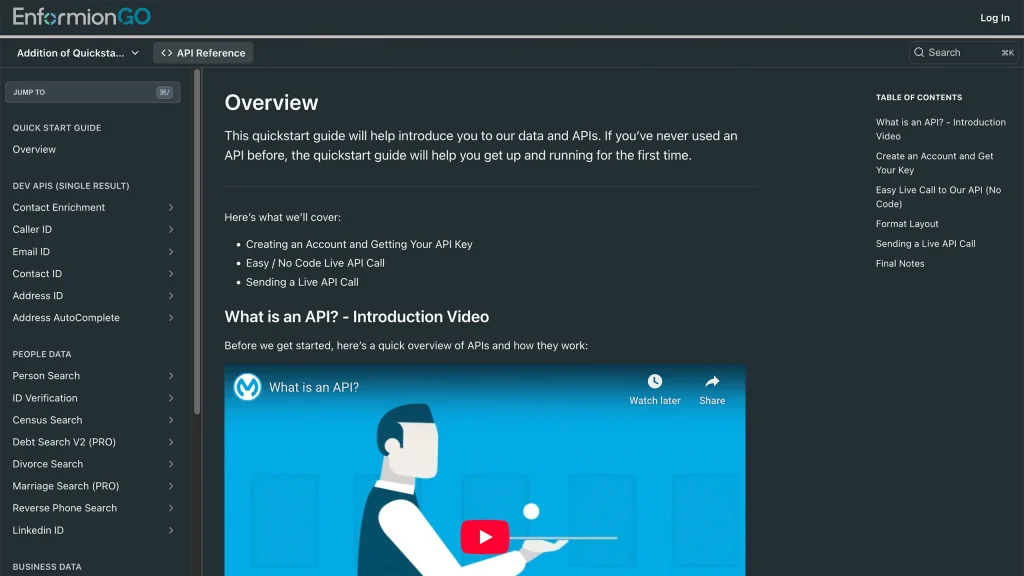
Getting familiar with how to use EnformionGO’s search and API products is very helpful in deciding what products you’ll want to use. We’ve created this quick start guide to walk new users through how to use EnformionGO. Happy searching!