Data-Driven Products Designed To Drive Leads And Optimize Campaign Efficiency

The EnformionGO Data Suite uses a wide variety of products to make reaching your performance goals easier than ever. Our specialized reports and data-gathering expertise will allow you to target the right audience and support your marketing initiatives with verified information and access to clear data monitoring.

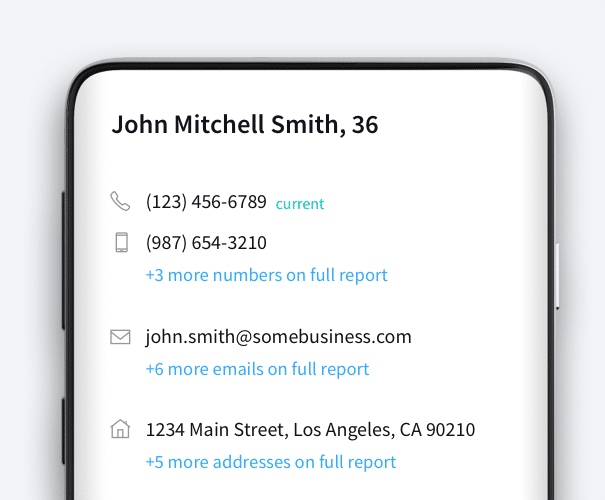
An example of EnformionGO’s API showcasing information on John Mitchell Smith

Maximize Your Marketing Success

Your products deserve a bigger spotlight; more data can help you get there.
Enhance Contact Lists
Information Verification
Target Individuals

Marketing Use Cases

Here are some examples of ways Marketers have used EnformionGO to better target their audiences and more

Graphic depicting data marketers working on an enhanced contact list

Enhance Contact Lists

Append primary contact info into your existing contact lists, making sure you target the right people

A graphic depicting a person signifying data information verification

Information Verification

Verifying personal information for key consumers in smaller target audiences

marketing data marketers target audiences contact info

Target Individuals

A precise filter for finding contact information on top decision-makers in specific industries

Related Data Fields

Commonly used marketing-related data fields

Person Data

Filter Person Data using the fields below.

  • Age
    • Field type: range – min/max (18 – 120)
    • Description: Set the age range for your matches
  • Education Level
    • Multi select
      Description: Select the education level(s) you want to target. You can select more than one.
  • Credit Score
    • Field type: range – min/max (0 – 850)
    • Description: Set the credit score range for your matches
  • Estimated Income
    • Field type: range – min/max ($0 – $250,000)
    • Description: Set the income range for your matches. Max setting is $250,000+.
  • Number of Properties Owned
    • Field type: range – min/max (0 – 50)
    • Description: Set the owned properties range for your matches
  • Occupation Level
    • Multi select
      Description: Select the occupation level(s) you want to target. You can select more than one.
  • Marital Status
    • Multi select
      Description: Select the marital status(es) you want to target. You can select more than one.
  • Gender
    • Multi select
      Description: Select the gender(s) you want to target. You can select more than one. Default is all.