
CRM Data Enrichment: Keep Contact Data Complete
A contact record can contain plenty of information and still leave an important question unanswered. Missing fields, duplicate entries, and conflicting details can make sales research and audience planning difficult.
CRM data enrichment supplements existing customer relationship management records with relevant information. Its value depends on matching the right record and reviewing the additions before your team relies on them. A complete-looking profile is not automatically an accurate one.
Find the Gaps That Matter
Begin with the work your CRM supports. For sales research, a missing business association might limit context. For market research, inconsistent location details might make segmentation difficult. Identify the specific information needed before seeking additional data.
Separate missing values from values that need verification. An empty field calls for research; a conflicting field calls for review. Prioritize gaps that affect the task at hand, and avoid collecting information simply because it is available.

Match Records Before You Merge
Enrichment should start with a matching process. Similar names or shared contact details may point to different people or businesses, so review the identifying information available to you.
Use a consistent sequence:
- Standardize formatting without discarding original values.
- Compare multiple relevant identifiers where available.
- Separate likely duplicates from confirmed matches.
- Send ambiguous records for review before merging.
Preserve useful history when consolidating records. Do not treat an enrichment result as proof that two profiles belong together.
Keep a Record of Every Update
Decide which fields may be added, which may be replaced, and who reviews disagreements. Retain the previous value, the date of the check, and a source reference when available. These details help your team understand why a record changed.
Set a review cadence that fits the way the information is used. Track unresolved matches and missing fields alongside completed updates. A repeatable process makes it easier to spot problems than occasional bulk changes with no review trail.

Use EnformionGO for Research and Cross-Referencing
EnformionGO provides real-time access to identity, people, business, asset, and court record data through self-service searches and API integrations. It draws on more than 6,000 unique data sources for public-record inquiries and cross-referencing existing data.
Use relevant information to support appropriate sales research, market research, and data verification. Before designing a CRM workflow, review the available data and API documentation. Plan any field mapping, matching rules, and CRM updates within your own implementation; do not assume a ready-made CRM connection. Explore EnformionGO to assess how it fits your research needs.
Make Data Quality an Ongoing Habit
Test your process on a small group of records. Check whether additions are relevant, matches are sound, and conflicting values receive attention. Measure progress against your own starting point, such as the share of required fields completed and the number of records awaiting review.
Keep the workflow focused on useful, explainable updates. The guidance below can help you become familiar with EnformionGO’s search and API products. Get Started.
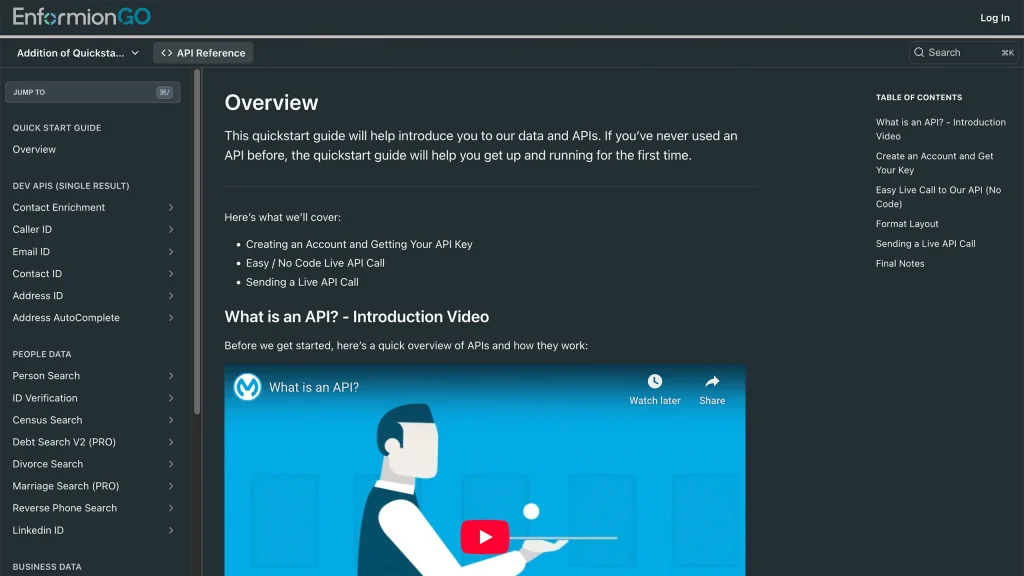
Getting familiar with how to use EnformionGO’s search and API products is very helpful in deciding what products you’ll want to use. We’ve created this quick start guide to walk new users through how to use EnformionGO. Happy searching!