
Data Enrichment API: Add Value to Your Data
Incomplete records leave business teams with unanswered questions. A data enrichment API lets an application request additional information and bring relevant context into a research workflow. Used carefully, it can help a team investigate gaps without treating every returned value as a verified fact.
The useful question is not how much data you can add. It is which information helps you research, cross-reference, or verify the records you already have.
How an Enrichment Request Works
An application sends the inputs required by an API, receives a response, and interprets the available results. Developers then map relevant fields into their own workflow. Required inputs, response fields, and access conditions depend on the service and endpoint.
Keep the original record separate from the enrichment response. A missing result does not prove that information does not exist, and a returned candidate does not automatically establish a match. Your application needs a way to represent both uncertainty and reviewed information.

Match Records Before Updating Them
Enrichment depends on connecting the response to the correct record. A familiar name or one shared field may be insufficient. Compare the available details, define acceptance rules, and send ambiguous results to a review queue.
- Validate inputs before making requests.
- Preserve original values and source references where available.
- Distinguish missing, conflicting, and confirmed information.
- Test field mappings before writing to your main dataset.
These controls make the process easier to inspect when a researcher questions an update.
Design a Reviewable Data Flow
Decide what should happen when a request fails, returns no usable match, or produces conflicting candidates. Handle those outcomes separately so a temporary technical problem does not become an incorrect data update. Review the service documentation for authentication, request limits, and supported response handling.
EnformionGO provides real-time access to identity, people, business, asset, and court record data through self-service searches and API integrations. Developers and business users can explore it for appropriate data research, verification, collection, and cross-referencing workflows.
Explore EnformionGO and review the documentation for the workflow you are planning.


Evaluate Quality With a Focused Pilot
Choose a sample that includes clear records, incomplete records, and difficult matches. Define success before testing: useful fields confirmed, uncertain matches identified, and updates a reviewer can explain. Inspect accepted results as well as rejected ones.
EnformionGO draws on more than 6,000 unique data sources for public-record inquiries and cross-referencing existing data. That breadth provides research context; your team still needs to assess relevance and fit for each record. Keep review dates and revisit information according to your business purpose.
Make Enrichment Part of a Repeatable Workflow
Start with one supported research objective and a small number of fields. Establish matching rules, preserve the original information, and make uncertain results visible. Expand only after the pilot shows that your process adds useful context without obscuring data quality.
The search and API guidance below can help you explore the next steps. Get Started with EnformionGO.
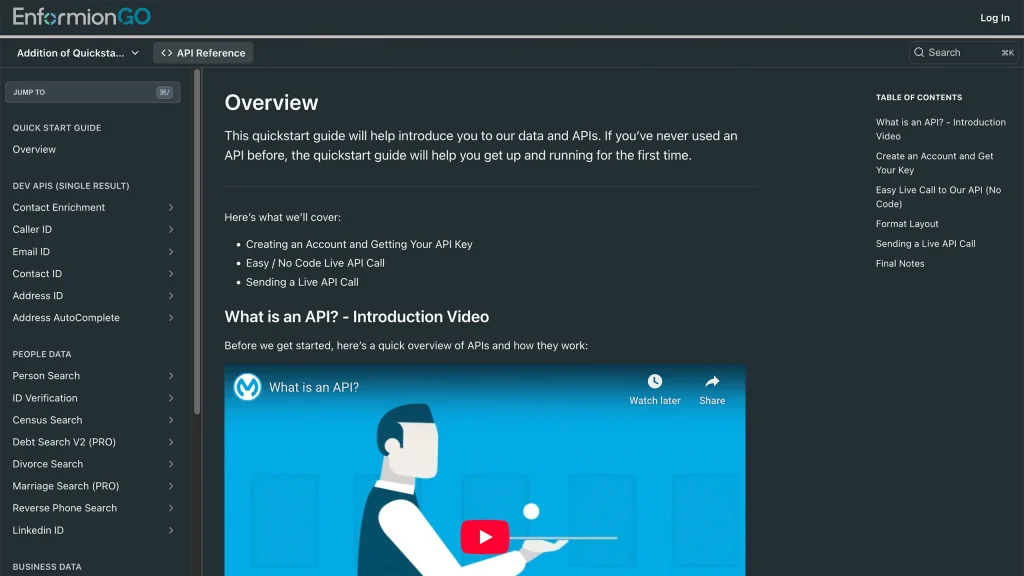
Getting familiar with how to use EnformionGO’s search and API products is very helpful in deciding what products you’ll want to use. We’ve created this quick start guide to walk new users through how to use EnformionGO. Happy searching!