Illinois Business Entity Search: Verify Company Records

Conducting a business search in Illinois is a critical step for entrepreneurs, investors, lenders, real estate professionals, and compliance teams who need to verify company records before making informed decisions. Whether you are reviewing a potential partnership, validating a vendor, researching a competitor, or preparing for a transaction, access to accurate business data supports clarity and confidence.

In Illinois, official corporate filings are maintained by the Illinois Secretary of State, which oversees the registration and reporting requirements for corporations, limited liability companies (LLCs), limited partnerships, and other business entities operating within the state.

Understanding how to conduct a thorough Illinois business search—and how to enhance that research with modern data intelligence tools—can streamline due diligence and expand your insights.

Why Conduct a Business Search in Illinois?

An Illinois business entity search helps confirm key registration and compliance details, including:

  • Legal business name

  • Entity type (LLC, corporation, etc.)

  • Status (active, dissolved, etc.)

  • Date of formation

  • Registered agent information

  • Filing history

This information is especially valuable for:

  • Real estate professionals verifying ownership entities

  • Developers reviewing project partners

  • Marketers and sales professionals qualifying prospects

  • Compliance teams performing business research

  • Investors and lenders assessing legitimacy

Accurate verification helps establish transparency and supports strategic decision-making at every stage of business engagement.
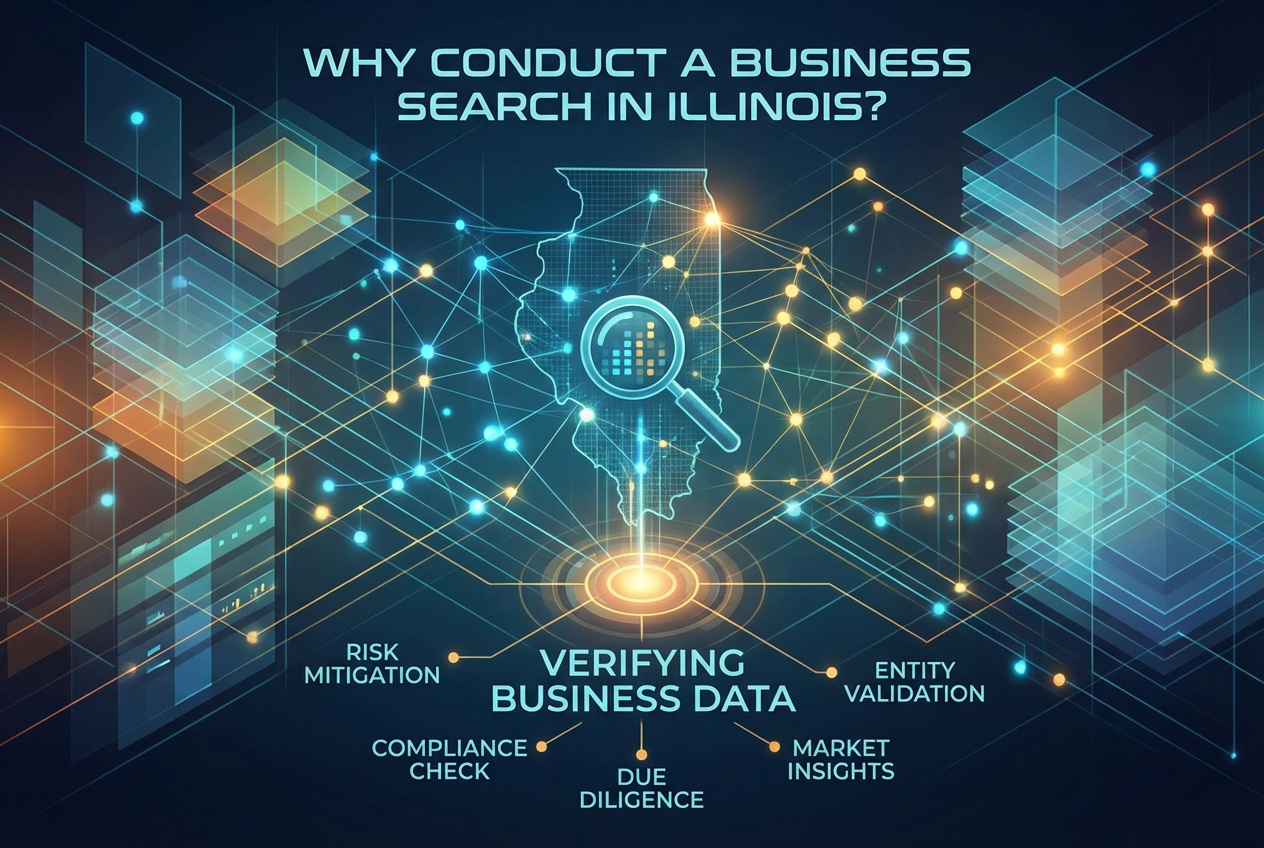
Why Conduct a Business Search in Illinois
How to Perform an Illinois Business Entity Search

How to Perform an Illinois Business Entity Search

The Illinois Secretary of State provides an online business entity search tool where users can:

  1. Search by business name

  2. Search by file number

  3. View public filing records

  4. Confirm current registration status

This database contains official registration records filed with the state. While this information is foundational, many professionals require broader insights that extend beyond basic filings.

That’s where comprehensive data intelligence platforms add meaningful value.

Expanding Illinois Business Verification with Data Intelligence

Modern due diligence often requires more than checking a registration record. Professionals frequently need to connect business data with:

  • Ownership and leadership profiles

  • Associated business entities

  • Court record data

  • Asset records

  • Address histories

  • Cross-referenced identity information

Expanding Illinois Business Verification with Data Intelligence
Business Verification with Data Intelligence

EnformionGO is a data intelligence platform designed to enhance this process. It utilizes information from over 6,000 unique data sources to perform public record inquiries and cross-reference existing data in real time.

For professionals who regularly conduct Illinois business searches, EnformionGO offers:

  • Real-time access to identity and people data

  • Business record insights beyond basic filings

  • Asset and property record connections

  • Court record searches

  • Self-service search capabilities

  • API integrations for workflow automation

This layered approach allows users to move from simple verification to comprehensive research within one streamlined environment.

If you regularly perform business lookups as part of your workflow, you can explore expanded search capabilities and get started to experience how enhanced data access can support your research objectives.

Key Benefits for Realtors, Developers, and Sales Teams

Illinois is home to a diverse business landscape, from startups to established corporations. For professionals working in fast-moving industries, access to structured and cross-referenced information provides measurable advantages.

1. Real Estate and Development Research

Realtors and developers frequently research:

  • Property-holding LLCs

  • Corporate ownership structures

  • Affiliated entities tied to real estate assets

EnformionGO’s market research tools help professionals connect entity records to broader public record data, supporting smarter site selection, outreach, and acquisition strategies.


Key Benefits for Realtors, Developers, and Sales Teams
Sales Prospecting and Market Expansion

2. Sales Prospecting and Market Expansion

Sales professionals benefit from accurate, up-to-date company data when:

  • Qualifying leads

  • Verifying decision-makers

  • Confirming operational status

  • Identifying related business entities

With real-time search tools and cross-referenced datasets, EnformionGO enables more informed prospecting. Teams looking to enhance their research efficiency can naturally integrate these tools into daily workflows and get started with a streamlined search experience.

3. Compliance and Due Diligence

Compliance teams and financial professionals often require deeper verification that goes beyond name and status checks. Cross-referenced identity, court, and asset data can provide broader context for business research and review procedures.

Because EnformionGO provides both self-service searches and API integrations, organizations can incorporate data directly into internal systems for consistent, scalable research processes.


Compliance and Due Diligence
What Information Is Publicly Available in Illinois

What Information Is Publicly Available in Illinois?

The Illinois Secretary of State maintains records that generally include:

  • Articles of incorporation or organization

  • Annual report filings

  • Registered agent details

  • Entity status updates

These records are part of the public domain and are essential for initial validation. However, public filing databases are only one component of a comprehensive verification strategy.

By combining official state records with broader public record intelligence, professionals gain a more complete picture of business relationships and activity.

Integrating Illinois Business Searches into a Broader Research Strategy

A well-rounded Illinois business verification process often includes:

  • Confirming entity registration

  • Reviewing filing history

  • Identifying leadership connections

  • Examining related entities

  • Checking court record data

  • Cross-referencing asset information

EnformionGO’s platform is designed to bring these data points together in one accessible system. Drawing from over 6,000 unique sources, it enables professionals to move efficiently from surface-level verification to deeper insight.

Whether you are researching a single Illinois LLC or conducting ongoing market analysis across multiple entities, having centralized access to identity, people, business, asset, and court record data enhances both speed and clarity.
Strengthening Illinois Company Verification with Smarter Tools

A business search in Illinois begins with official state records and evolves into broader due diligence when deeper insight is required. By combining foundational registry data with real-time public record intelligence, professionals across real estate, development, sales, marketing, and compliance can elevate the quality of their research.

If you’re ready to enhance your Illinois business search capabilities with expanded data access and streamlined tools, now is the time to get started and explore how EnformionGO can support your verification and market research efforts.

Enformiongo api documentation readme

Getting familiar with how to use EnformionGO’s search and API products is very helpful in deciding what products you’ll want to use. We’ve created this quick start guide to walk new users through how to use EnformionGO. Happy searching!

Pro License Data

Filter Pro License Data using the fields below.

  • License Status
    • Multi select
      Description: Select the license status(es) you want to target. You can select more than one


  • License Issuing State
    • Multi select
      Description: Select the license issuing state(s) you want to target. You can select more than one.


  • License Issuing Date Range
    • Select the date range for when the target matches had their license issued.
  • License Expiration Date Range
    • Select the date range for when the target matches had their license expire.

Workplace & Corporation Data

Filter Workplace Data using the fields below.

  • Years at Company
    • Field type: input
    • Description: Enter the number of years at a company for your target matches.
  • Job Title Level
    • Multi select
      Description: Select the job title level(s) you want to target. You can select more than one.
  • Department
    • Multi select
      Description: Select the department(s) you want to target. You can select more than one.
  • Company Revenue Range
    • Field type: range – min/max ($0 – $100,000,000)
    • Description: Set the company revenue range for your matches
  • Company Size
    • Field type: range – min/max (0 – 10,000)
    • Description: Set the company size range for your matches
  • Office Location City
    • Field type: input
    • Description: Enter the office location city name you want to target
 
  • Office Location County
    • Field type: input
    • Description: Enter the office location county name you want to target
  • Office Location State
    • Field type: Multi-select
    • Description: Select the office location state(s) you want to target. You can select more than one.
  • Office Location Zip
    • Field type: input
    • Description: Enter the office location zip code you want to target

Property Data

Filter Property Data using the fields below.

  • Number of Property Owners
    • Field type: range – min/max (0 – 50)
    • Description: Set the range of the number of owners for one of the properties linked to each match you want to target
  • Land Use Code
    • Field type: input
    • Description: Enter the land use code (number only) for one of the properties linked to each match you want to target. For example, for “1100: Single-Family Home” you would enter “1100”
  • Total Square Footage
    • Field type: input
    • Description: Enter the total square footage (number only) for one of the properties linked to each match you want to target

  • Property Value
    • Field type: range – min/max (0 – 10 million)
    • Description: Set the range of the property value for one of the properties linked to each match you want to target
  • Mortgage Amount
    • Field type: input
    • Description: Enter the mortgage amount (number only) for one of the properties linked to each match you want to target
  • Purchase Date
    • Field type: input
    • Description: Enter the purchase date (number only) for one of the properties linked to each match you want to target
  • Property Type
    • Multi select
      Description: Select the property type(s) you want to target. You can select more than one.
  • Owner Type
    • Multi select
      Description: Select the owner type(s) you want to target. You can select more than one.
  • Owner Status
    • Multi select
      Description: Select the owner status(es) you want to target. You can select more than one.
  • Owner Occupied
    • Field type: Boolean
    • Description: Select if you require for one of the properties to be owner-occupied

Consumer Insights Data

Filter Consumer Insights Data using the fields below.

  • Presence of Children
    • Field type: Boolean
    • Description: Select if you require matches with children present in the household
    •  
  • Credit Card Holder
    • Field type: Boolean
    • Description: Select if you require matches to be a credit card holder
  • Interest in Travel
    • Field type: Boolean
    • Description: Select if you require matches to be interested in travel
  • Interest in Cooking
    • Field type: Boolean
    • Description: Select if you require matches to be interested in cooking
  • Interest in Reading
    • Field type: Boolean
    • Description: Select if you require matches to be interested in reading


  • Smoker
    • Field type: Boolean
    • Description: Select if you require matches to be a smoker
  • Exercise Enthusiast
    • Field type: Boolean
    • Description: Select if you require matches to be an exercise enthusiast
  • Exercise with Running
    • Field type: Boolean
    • Description: Select if you require matches who run for exercise
  • Exercise with Walking
    • Field type: Boolean
    • Description: Select if you require matches who walk for exercise
  • Does Aerobic Exercise
    • Field type: Boolean
    • Description: Select if you require matches who do aerobic exercise
  • Into Camping / Hiking
    • Field type: Boolean
    • Description: Select if you require matches who are interested in camping / hiking 
  • Into Natural Foods
    • Field type: Boolean
    • Description: Select if you require matches who are interested in natural foods
  • Into Beauty Health
    • Field type: Boolean
    • Description: Select if you require matches who are interested in health / beauty
  • Into Medical Health
    • Field type: Boolean
    • Description: Select if you require matches who are interested in health / medicine
  • Into the Outdoors
    • Field type: Boolean
    • Description: Select if you require matches who are interested in the outdoors
  • Into Sporty Living
    • Field type: Boolean
    • Description: Select if you require matches who are interested in the outdoors

Location Data

Filter Location Data using the fields below.

  • City
    • Field type: input
    • Description: Enter the city name you want to target
  • County
    • Field type: input
    • Description: Enter the county name you want to target
  • State
    • Field type: Multi-select
    • Description: Select the state(s) you want to target. You can select more than one.
  • Zip
    • Field type: input
    • Description: Enter the zip code you want to target
  • Population Designation
    • Field type: Multi-select
    • Description: Select the population type(s) you want to target. You can select more than one.

Person Data

Filter Person Data using the fields below.

  • Age
    • Field type: range – min/max (18 – 120)
    • Description: Set the age range for your matches
  • Education Level
    • Multi select
      Description: Select the education level(s) you want to target. You can select more than one.
  • Credit Score
    • Field type: range – min/max (0 – 850)
    • Description: Set the credit score range for your matches
  • Estimated Income
    • Field type: range – min/max ($0 – $250,000)
    • Description: Set the income range for your matches. Max setting is $250,000+.
  • Number of Properties Owned
    • Field type: range – min/max (0 – 50)
    • Description: Set the owned properties range for your matches
  • Occupation Level
    • Multi select
      Description: Select the occupation level(s) you want to target. You can select more than one.
  • Marital Status
    • Multi select
      Description: Select the marital status(es) you want to target. You can select more than one.
  • Gender
    • Multi select
      Description: Select the gender(s) you want to target. You can select more than one. Default is all.