
NC Secretary of State Business Search Explained

The NC Secretary of State Business Search is one of the most useful tools available for verifying and researching registered businesses in North Carolina. Whether you are a realtor confirming ownership details, a developer evaluating potential partners, a marketer building accurate lead lists, or a sales professional qualifying prospects, this public resource provides important insight into official business filings.

Learning how to use the North Carolina Secretary of State business search effectively helps professionals make informed decisions, support compliance workflows, and identify new opportunities with confidence. For organizations that want to expand beyond basic filings, platforms like EnformionGO can enhance business research by providing real-time intelligence alongside broader public record data.

What Is the NC Secretary of State Business Search?

The North Carolina Secretary of State Business Search is an online database maintained by the state that allows users to look up information on businesses registered in North Carolina, including corporations, LLCs, nonprofits, and other entities required to file with the Secretary of State.

This tool is commonly used to confirm business registration status, review official filings, identify registered agents, check formation dates and entity types, and verify business legitimacy, making it an essential first step for professionals in real estate, finance, or sales who need to validate the entities they are working with across North Carolina.
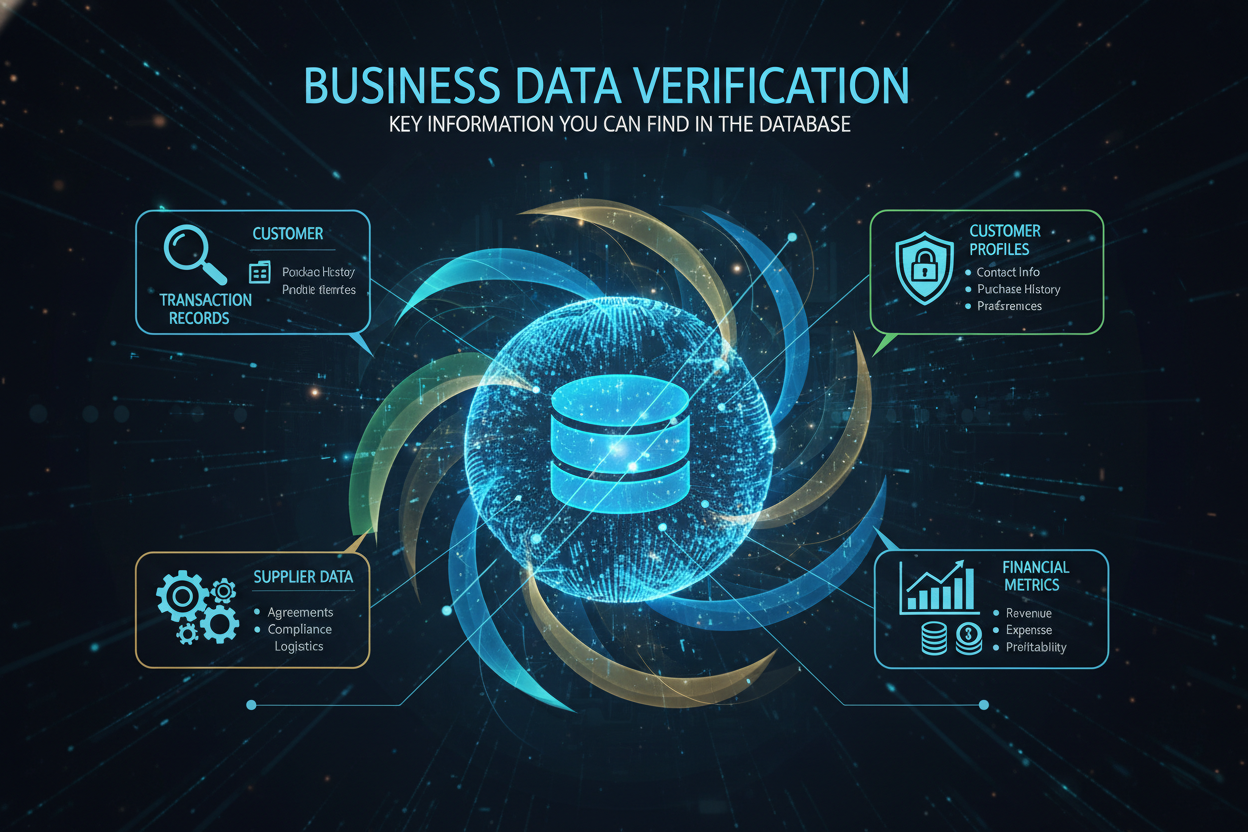
Key Information You Can Find in the Database

Key Information You Can Find in the Database

When searching the NC Secretary of State business registry, users can access several important details, including:

  • Business name and entity ID
  • Current status (active, dissolved, suspended)
  • Date of formation
  • Registered agent name and address
  • Principal office information
  • Filing history and available documents


This information helps confirm whether a business is properly registered and provides transparency into its structure.

Who Benefits Most From NC Business Entity Search Tools?

The NC Secretary of State business lookup supports many industries, especially those that rely on accurate and verified company data.

Realtors and Property Professionals

Real estate professionals often need to identify business entities behind property ownership or confirm the legitimacy of investment groups operating in North Carolina.

Developers and Investors

Developers may use business search tools to evaluate contractors, partners, or competitors involved in major projects throughout the state.

Marketers and Sales Teams

Business verification supports cleaner prospecting lists, stronger targeting, and more informed outreach strategies.

Compliance and Risk Teams

Business registry data is essential for due diligence, onboarding, and regulatory workflows that require trusted public records.

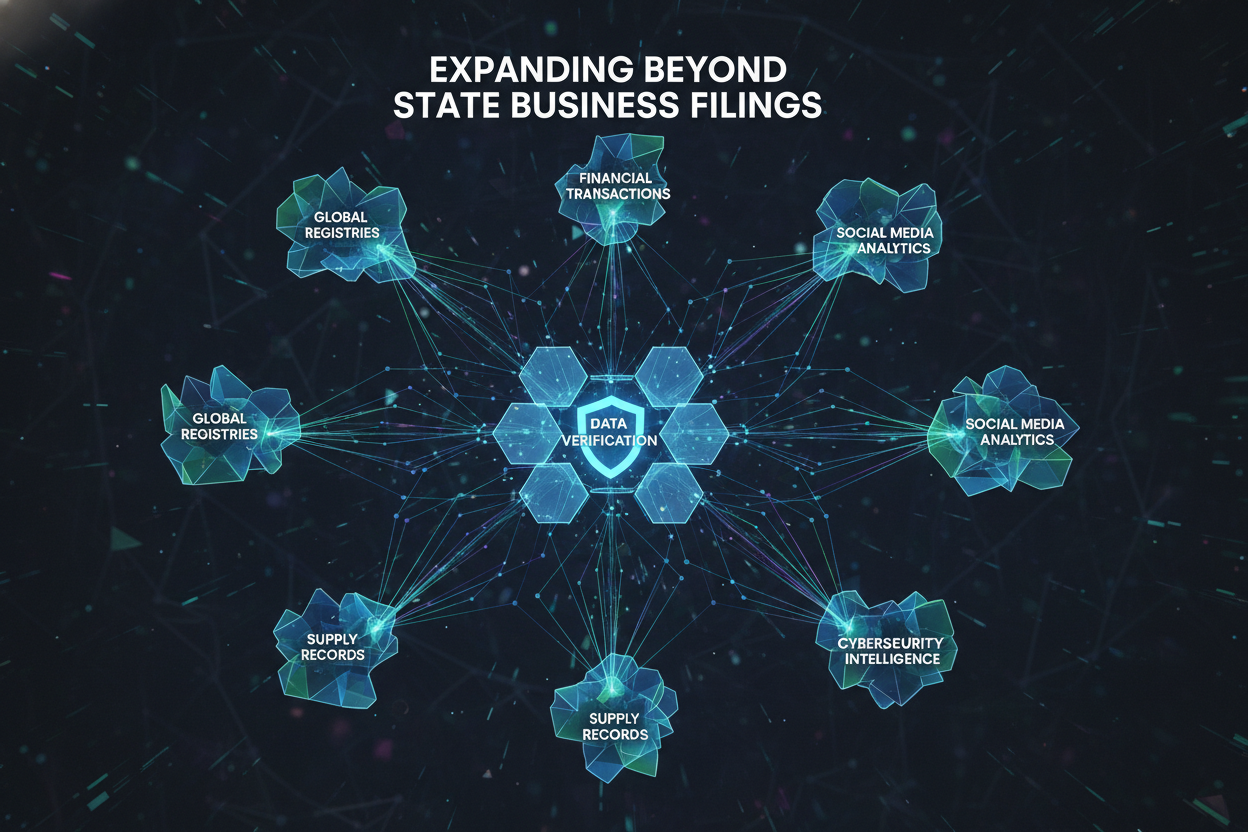
Expanding Beyond State Business Filings

While the NC Secretary of State search is an essential resource, it focuses primarily on state-registered business filings. Many professionals benefit from a broader view that may include:

  • Ownership connections
  • Associated people and identity data
  • Asset and property information
  • Court and legal records
  • Multi-state business intelligence


This is where a comprehensive data intelligence platform becomes a valuable advantage for deeper research.
Expanding Beyond State Business Filings

Enhancing NC Business Research With EnformionGO

EnformionGO is a data intelligence platform that provides real-time access to identity, people, business, asset, and court record data through both self-service searches and API integrations.

Built for professionals who depend on accurate market research and public record insights, EnformionGO supports deeper investigations beyond what state-only databases provide.

EnformionGO utilizes information from over 6,000 unique data sources to perform public record inquiries and cross-reference existing data, delivering a richer and more connected view of business entities and the people behind them.

How EnformionGO Supports Market Research and Lead Intelligence

How EnformionGO Supports Market Research and Lead Intelligence

EnformionGO specializes in market research tools for professionals such as:

  • Realtors
  • Developers
  • Marketers
  • Sales professionals
  • Data-driven organizations


With an in-depth catalog of services for data collection, EnformionGO helps users validate entity records, identify business relationships, and uncover actionable insights for growth and decision-making.

Using Business Search Data Through API Integrations

For businesses that require automation and scalability, EnformionGO offers API integrations that enable organizations to embed business search and public record intelligence directly into their workflows, supporting applications such as lead qualification systems, CRM enrichment, business research workflows, real estate intelligence platforms, and business verification pipelines, allowing professionals to work more efficiently while maintaining accuracy and consistency.
Smarter Business Research in North Carolina

The NC Secretary of State Business Search is a foundational tool for verifying registered entities across North Carolina. For professionals who need broader context and real-time intelligence, EnformionGO provides a modern solution that expands business research beyond basic filings.

With access to thousands of data sources and flexible self-service and API options, EnformionGO helps teams unlock the full value of business and public record data.

Ready to strengthen your North Carolina business research with real-time, cross-referenced intelligence? Get started

Enformiongo api documentation readme

Getting familiar with how to use EnformionGO’s search and API products is very helpful in deciding what products you’ll want to use. We’ve created this quick start guide to walk new users through how to use EnformionGO. Happy searching!

Pro License Data

Filter Pro License Data using the fields below.

  • License Status
    • Multi select
      Description: Select the license status(es) you want to target. You can select more than one


  • License Issuing State
    • Multi select
      Description: Select the license issuing state(s) you want to target. You can select more than one.


  • License Issuing Date Range
    • Select the date range for when the target matches had their license issued.
  • License Expiration Date Range
    • Select the date range for when the target matches had their license expire.

Workplace & Corporation Data

Filter Workplace Data using the fields below.

  • Years at Company
    • Field type: input
    • Description: Enter the number of years at a company for your target matches.
  • Job Title Level
    • Multi select
      Description: Select the job title level(s) you want to target. You can select more than one.
  • Department
    • Multi select
      Description: Select the department(s) you want to target. You can select more than one.
  • Company Revenue Range
    • Field type: range – min/max ($0 – $100,000,000)
    • Description: Set the company revenue range for your matches
  • Company Size
    • Field type: range – min/max (0 – 10,000)
    • Description: Set the company size range for your matches
  • Office Location City
    • Field type: input
    • Description: Enter the office location city name you want to target
 
  • Office Location County
    • Field type: input
    • Description: Enter the office location county name you want to target
  • Office Location State
    • Field type: Multi-select
    • Description: Select the office location state(s) you want to target. You can select more than one.
  • Office Location Zip
    • Field type: input
    • Description: Enter the office location zip code you want to target

Property Data

Filter Property Data using the fields below.

  • Number of Property Owners
    • Field type: range – min/max (0 – 50)
    • Description: Set the range of the number of owners for one of the properties linked to each match you want to target
  • Land Use Code
    • Field type: input
    • Description: Enter the land use code (number only) for one of the properties linked to each match you want to target. For example, for “1100: Single-Family Home” you would enter “1100”
  • Total Square Footage
    • Field type: input
    • Description: Enter the total square footage (number only) for one of the properties linked to each match you want to target

  • Property Value
    • Field type: range – min/max (0 – 10 million)
    • Description: Set the range of the property value for one of the properties linked to each match you want to target
  • Mortgage Amount
    • Field type: input
    • Description: Enter the mortgage amount (number only) for one of the properties linked to each match you want to target
  • Purchase Date
    • Field type: input
    • Description: Enter the purchase date (number only) for one of the properties linked to each match you want to target
  • Property Type
    • Multi select
      Description: Select the property type(s) you want to target. You can select more than one.
  • Owner Type
    • Multi select
      Description: Select the owner type(s) you want to target. You can select more than one.
  • Owner Status
    • Multi select
      Description: Select the owner status(es) you want to target. You can select more than one.
  • Owner Occupied
    • Field type: Boolean
    • Description: Select if you require for one of the properties to be owner-occupied

Consumer Insights Data

Filter Consumer Insights Data using the fields below.

  • Presence of Children
    • Field type: Boolean
    • Description: Select if you require matches with children present in the household
    •  
  • Credit Card Holder
    • Field type: Boolean
    • Description: Select if you require matches to be a credit card holder
  • Interest in Travel
    • Field type: Boolean
    • Description: Select if you require matches to be interested in travel
  • Interest in Cooking
    • Field type: Boolean
    • Description: Select if you require matches to be interested in cooking
  • Interest in Reading
    • Field type: Boolean
    • Description: Select if you require matches to be interested in reading


  • Smoker
    • Field type: Boolean
    • Description: Select if you require matches to be a smoker
  • Exercise Enthusiast
    • Field type: Boolean
    • Description: Select if you require matches to be an exercise enthusiast
  • Exercise with Running
    • Field type: Boolean
    • Description: Select if you require matches who run for exercise
  • Exercise with Walking
    • Field type: Boolean
    • Description: Select if you require matches who walk for exercise
  • Does Aerobic Exercise
    • Field type: Boolean
    • Description: Select if you require matches who do aerobic exercise
  • Into Camping / Hiking
    • Field type: Boolean
    • Description: Select if you require matches who are interested in camping / hiking 
  • Into Natural Foods
    • Field type: Boolean
    • Description: Select if you require matches who are interested in natural foods
  • Into Beauty Health
    • Field type: Boolean
    • Description: Select if you require matches who are interested in health / beauty
  • Into Medical Health
    • Field type: Boolean
    • Description: Select if you require matches who are interested in health / medicine
  • Into the Outdoors
    • Field type: Boolean
    • Description: Select if you require matches who are interested in the outdoors
  • Into Sporty Living
    • Field type: Boolean
    • Description: Select if you require matches who are interested in the outdoors

Location Data

Filter Location Data using the fields below.

  • City
    • Field type: input
    • Description: Enter the city name you want to target
  • County
    • Field type: input
    • Description: Enter the county name you want to target
  • State
    • Field type: Multi-select
    • Description: Select the state(s) you want to target. You can select more than one.
  • Zip
    • Field type: input
    • Description: Enter the zip code you want to target
  • Population Designation
    • Field type: Multi-select
    • Description: Select the population type(s) you want to target. You can select more than one.

Person Data

Filter Person Data using the fields below.

  • Age
    • Field type: range – min/max (18 – 120)
    • Description: Set the age range for your matches
  • Education Level
    • Multi select
      Description: Select the education level(s) you want to target. You can select more than one.
  • Credit Score
    • Field type: range – min/max (0 – 850)
    • Description: Set the credit score range for your matches
  • Estimated Income
    • Field type: range – min/max ($0 – $250,000)
    • Description: Set the income range for your matches. Max setting is $250,000+.
  • Number of Properties Owned
    • Field type: range – min/max (0 – 50)
    • Description: Set the owned properties range for your matches
  • Occupation Level
    • Multi select
      Description: Select the occupation level(s) you want to target. You can select more than one.
  • Marital Status
    • Multi select
      Description: Select the marital status(es) you want to target. You can select more than one.
  • Gender
    • Multi select
      Description: Select the gender(s) you want to target. You can select more than one. Default is all.