Skip Tracing and Public Records Research Services

Skip tracing services play a critical role in modern data research, helping professionals research publicly available information about individuals, properties, and businesses. From real estate prospecting to public records research and business intelligence, skip tracing combines public records, digital footprints, and structured data analysis to deliver reliable people lookup results.

As industries become increasingly data-driven, access to comprehensive, real-time intelligence platforms is essential. Solutions like EnformionGO provide professionals with advanced tools to perform efficient, accurate skip tracing backed by thousands of verified data sources.

What Are Skip Tracing Services?

Skip tracing is the process of locating a person whose contact details may have changed or become outdated. The term originates from “skipping town,” referring to individuals who relocate without leaving forwarding information.

Today, skip tracing services rely on structured data aggregation, identity resolution technology, and cross-referenced public records to provide accurate people lookup results. Rather than relying on a single database, modern platforms analyze:

  • Public records

  • Property ownership records

  • Business registrations

  • Court filings

  • Contact data

  • Asset records

  • Professional licenses

By cross-referencing multiple sources, skip tracing tools provide a clearer, more complete profile of an individual.

What Are Skip Tracing Services​
Who Uses Skip Tracing Services (2)

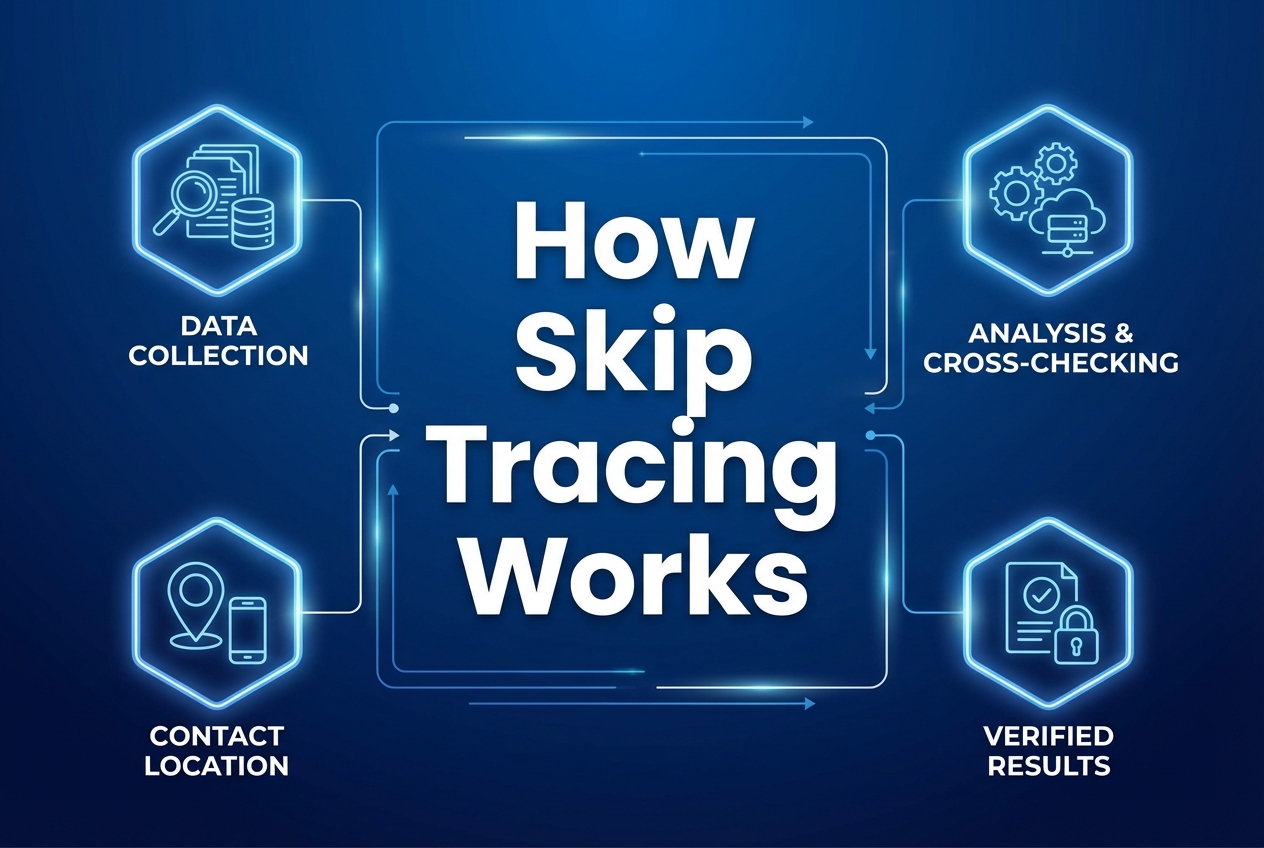
How Skip Tracing Works

Professional skip tracing follows a layered research process:

1. Data Matching

Searches begin with known data points such as:

  • Full name

  • Previous address

  • Phone number

  • Email address

  • Business affiliation

These identifiers are used to match against national databases.

2. Data Cross-Referencing

Advanced platforms aggregate and verify information across thousands of records. For example, EnformionGO utilizes information from over 6,000 unique data sources to perform public record inquiries and cross-reference existing data. This multi-source validation enhances accuracy and depth.

3. Real-Time Data Access

Access to updated records is essential. Real-time search capabilities allow users to retrieve:

  • Current addresses

  • Associated phone numbers

  • Related individuals

  • Court case records

  • Asset ownership details

This structured process enables professionals to perform accurate people lookups quickly and efficiently.
Skip Tracing Software for Public Records Research
Who Uses Skip Tracing Services

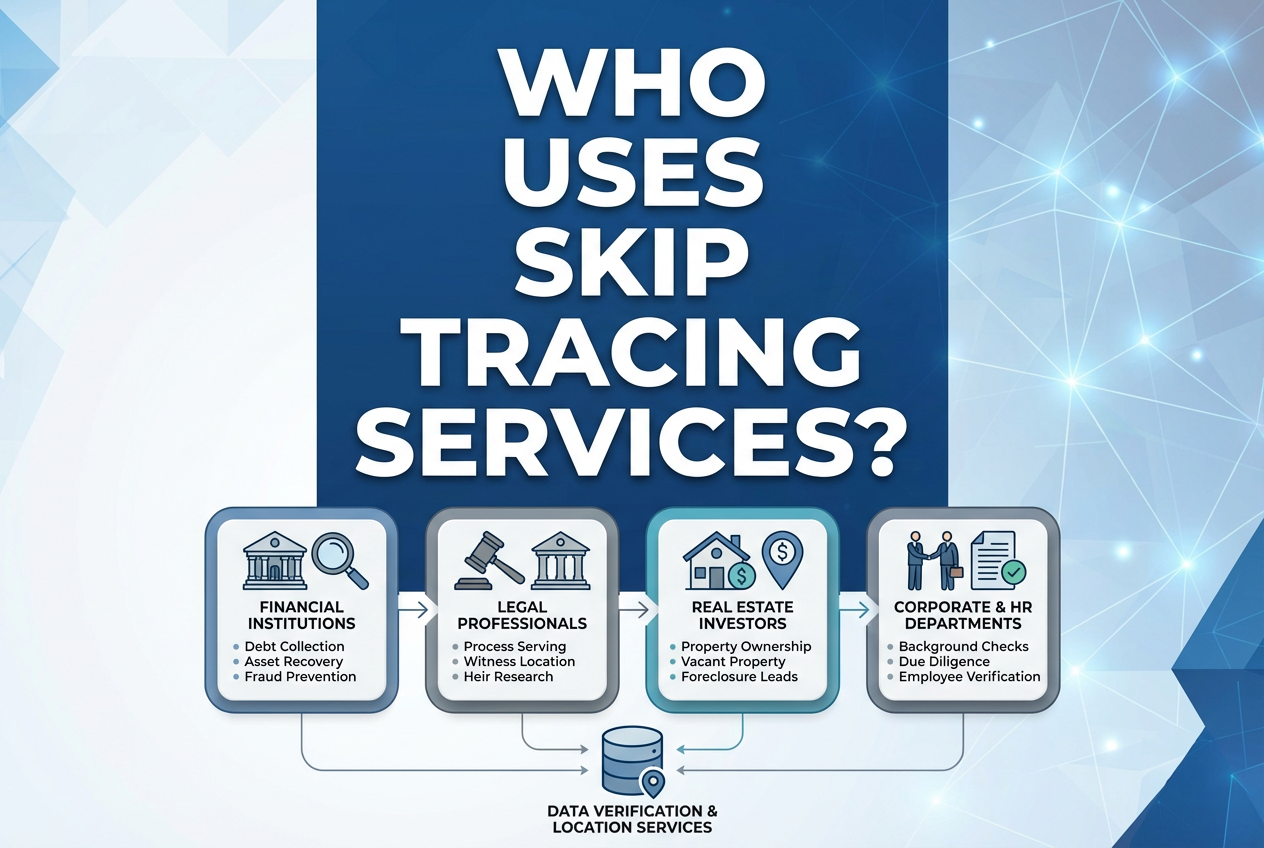
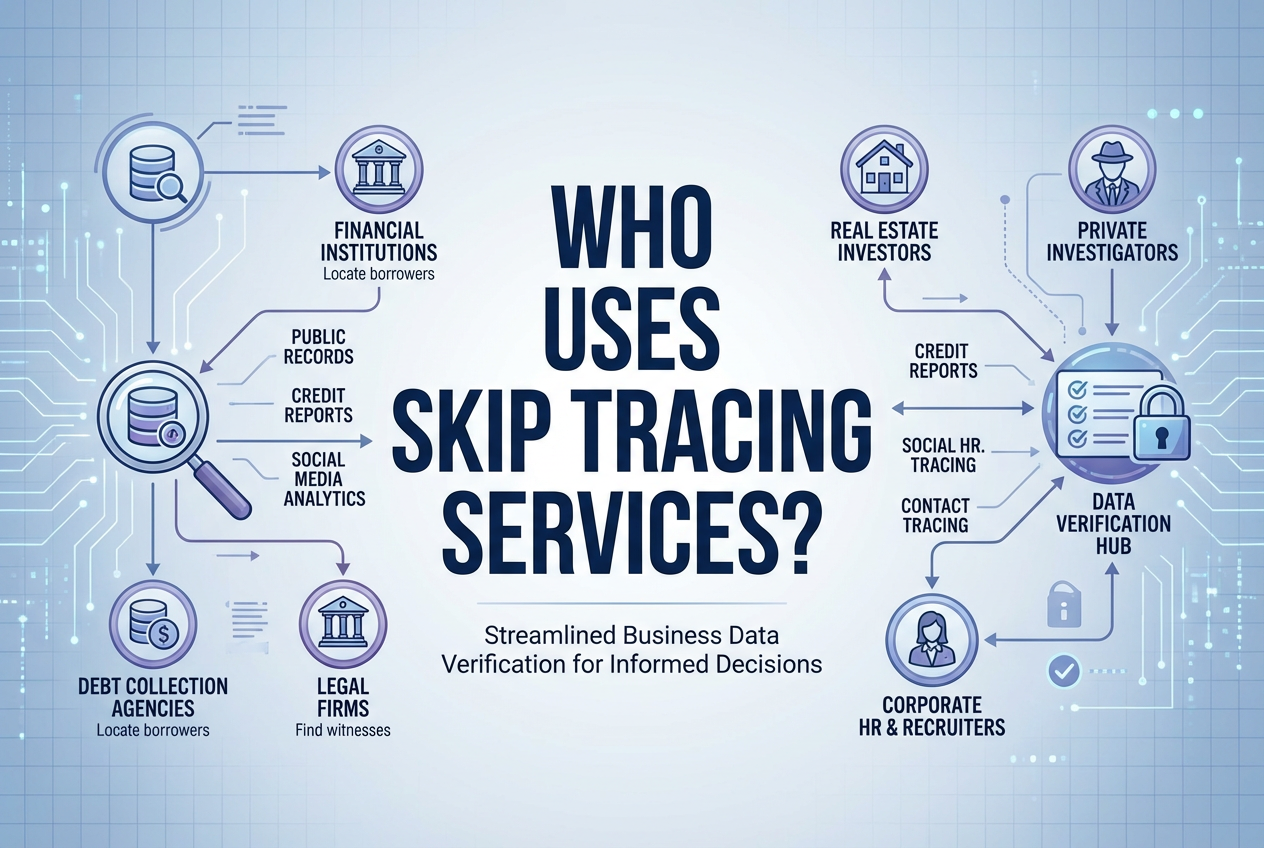
Who Uses Skip Tracing Services?

Skip tracing services support a wide range of industries:

Realtors and Real Estate Developers

  • Identify property owners

  • Locate absentee owners

  • Research ownership history

  • Support off-market outreach campaigns

Marketers and Sales Professionals

  • Verify prospect data

  • Enhance lead accuracy

  • Improve targeting strategies

  • Strengthen customer profiles

Legal and Compliance Teams

  • Access court record data

  • research public records

  • Support due diligence processes

Financial and Asset Researchers

  • Locate assets

  • Identify business affiliations

  • Validate public records

For professionals who depend on accurate data to drive decisions, skip tracing services streamline research and support confident outreach.

Who Uses Skip Tracing Services.
The Importance of Accurate People Lookup

The Importance of Accurate People Lookup

Comprehensive public records research supports:

  • Lead conversion rates

  • Market research precision

  • Market research accuracy

  • Operational efficiency

  • Data-driven decision making

When data is aggregated from verified public records and continuously updated, professionals can rely on results with greater confidence.

Platforms like EnformionGO enhance this process by delivering access to identity, people, business, asset, and court record data through both self-service searches and API integrations. This flexibility allows teams to conduct individual lookups or integrate real-time data directly into internal systems.

If your team relies on comprehensive public records research to power growth strategies, you can explore advanced skip tracing capabilities and get started with a streamlined data solution.

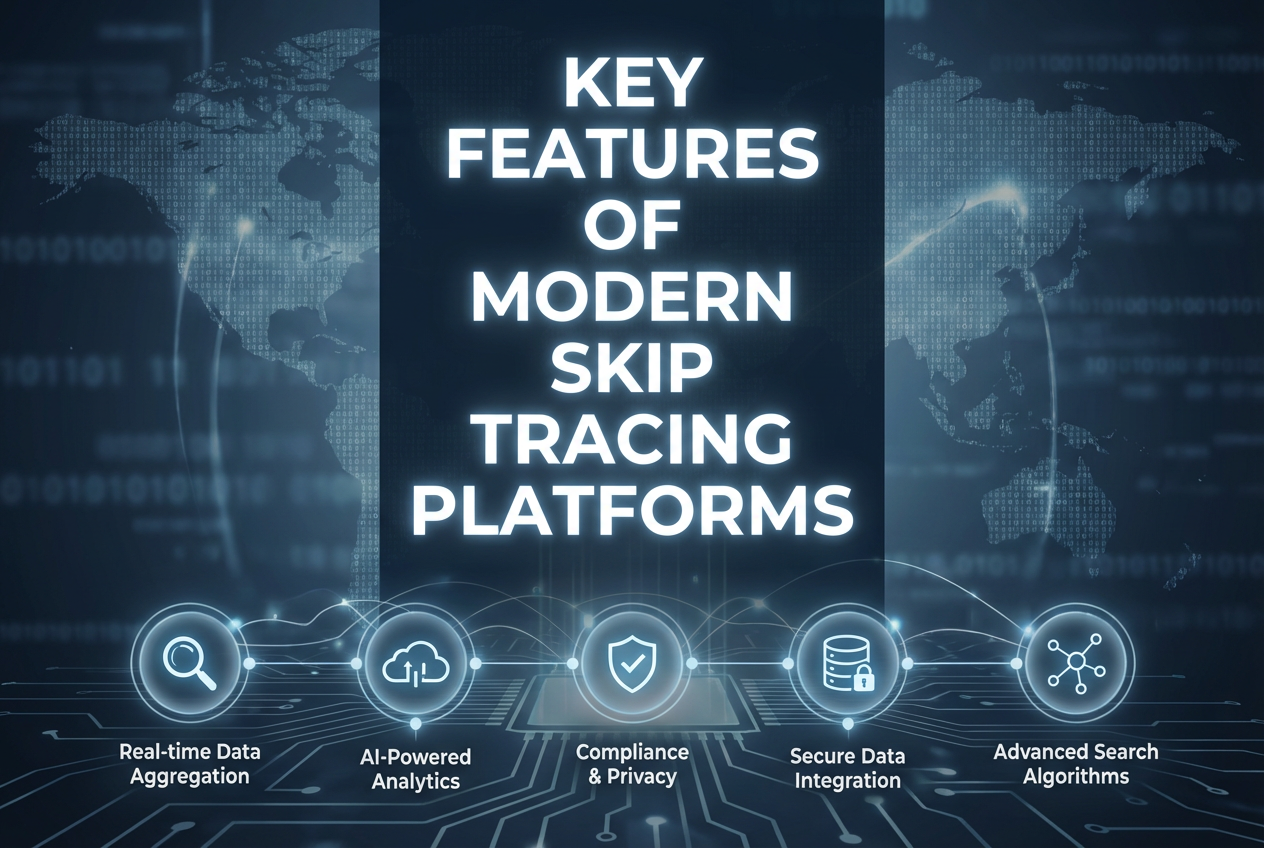
Key Features of Modern Skip Tracing Platforms

When evaluating skip tracing services, professionals often look for:

Comprehensive Data Coverage

Access to multiple categories of records in one place:

  • People search

  • Business search

  • Property records

  • Court filings

  • Asset data

Key Features of Modern Skip Tracing Platforms
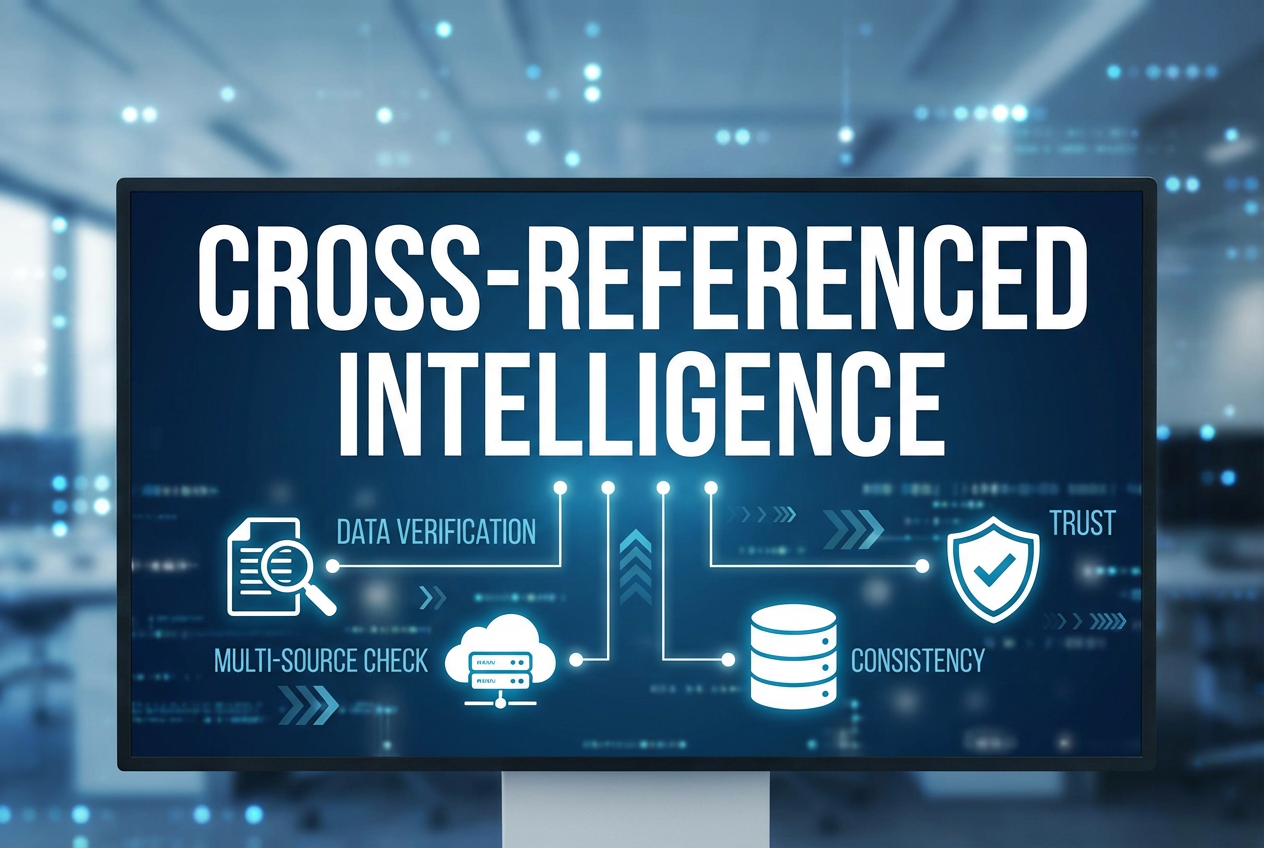
Cross Referenced Intelligence

Cross-Referenced Intelligence

Multi-source verification reduces inconsistencies and provides a fuller profile view.

Real-Time Search Access

Up-to-date results help ensure outreach efforts and research decisions are based on current information.

API Integration Options

For developers and enterprise teams, API connectivity allows seamless integration of skip tracing capabilities into CRM systems, marketing automation tools, and internal workflows.

EnformionGO is designed with these needs in mind, offering a robust data intelligence platform tailored to professionals who depend on high-quality information.

Skip Tracing for Real Estate and Market Research

In competitive markets, timing and data accuracy matter. Realtors, developers, and investors often use skip tracing to:

  • identify property ownership opportunities

  • Research property portfolios

  • Locate decision-makers

  • Analyze ownership patterns

Because EnformionGO specializes in market research tools for realtors, developers, marketers, and sales professionals, users gain access to an in-depth catalog of services for structured data collection. With both self-service tools and API capabilities, professionals can scale their research efforts efficiently.

For teams looking to elevate their property intelligence strategy, access to comprehensive people and asset data can create measurable advantages. You can get started and explore real-time search tools designed for modern market research workflows.

Integrating Skip Tracing Into Your Workflow

Skip tracing services are most effective when integrated directly into daily operations. Common integration approaches include:

  • CRM enrichment

  • Public record enrichment prior to outreach

  • Pre-transaction due diligence

  • Portfolio analysis

  • Automated data organization workflows

Because EnformionGO offers both direct search functionality and API integrations, businesses can choose the level of automation that best fits their needs.

Whether conducting individual lookups or performing large-scale research initiatives, having access to identity, business, asset, and court record data within one centralized platform simplifies complex data tasks.

Accurate skip tracing services empower professionals to make informed decisions backed by verified public record intelligence. By leveraging a data intelligence platform built on over 6,000 unique sources, teams gain the clarity needed to conduct efficient public record research, strengthen outreach strategies, and support confident research initiatives.

If you’re ready to enhance your data capabilities, you can get started today and experience real-time access to comprehensive identity and user record data.

Enformiongo api documentation readme

Getting familiar with how to use EnformionGO’s search and API products is very helpful in deciding what products you’ll want to use. We’ve created this quick start guide to walk new users through how to use EnformionGO. Happy searching!

Pro License Data

Filter Pro License Data using the fields below.

  • License Status
    • Multi select
      Description: Select the license status(es) you want to target. You can select more than one


  • License Issuing State
    • Multi select
      Description: Select the license issuing state(s) you want to target. You can select more than one.


  • License Issuing Date Range
    • Select the date range for when the target matches had their license issued.
  • License Expiration Date Range
    • Select the date range for when the target matches had their license expire.

Workplace & Corporation Data

Filter Workplace Data using the fields below.

  • Years at Company
    • Field type: input
    • Description: Enter the number of years at a company for your target matches.
  • Job Title Level
    • Multi select
      Description: Select the job title level(s) you want to target. You can select more than one.
  • Department
    • Multi select
      Description: Select the department(s) you want to target. You can select more than one.
  • Company Revenue Range
    • Field type: range – min/max ($0 – $100,000,000)
    • Description: Set the company revenue range for your matches
  • Company Size
    • Field type: range – min/max (0 – 10,000)
    • Description: Set the company size range for your matches
  • Office Location City
    • Field type: input
    • Description: Enter the office location city name you want to target
 
  • Office Location County
    • Field type: input
    • Description: Enter the office location county name you want to target
  • Office Location State
    • Field type: Multi-select
    • Description: Select the office location state(s) you want to target. You can select more than one.
  • Office Location Zip
    • Field type: input
    • Description: Enter the office location zip code you want to target

Property Data

Filter Property Data using the fields below.

  • Number of Property Owners
    • Field type: range – min/max (0 – 50)
    • Description: Set the range of the number of owners for one of the properties linked to each match you want to target
  • Land Use Code
    • Field type: input
    • Description: Enter the land use code (number only) for one of the properties linked to each match you want to target. For example, for “1100: Single-Family Home” you would enter “1100”
  • Total Square Footage
    • Field type: input
    • Description: Enter the total square footage (number only) for one of the properties linked to each match you want to target

  • Property Value
    • Field type: range – min/max (0 – 10 million)
    • Description: Set the range of the property value for one of the properties linked to each match you want to target
  • Mortgage Amount
    • Field type: input
    • Description: Enter the mortgage amount (number only) for one of the properties linked to each match you want to target
  • Purchase Date
    • Field type: input
    • Description: Enter the purchase date (number only) for one of the properties linked to each match you want to target
  • Property Type
    • Multi select
      Description: Select the property type(s) you want to target. You can select more than one.
  • Owner Type
    • Multi select
      Description: Select the owner type(s) you want to target. You can select more than one.
  • Owner Status
    • Multi select
      Description: Select the owner status(es) you want to target. You can select more than one.
  • Owner Occupied
    • Field type: Boolean
    • Description: Select if you require for one of the properties to be owner-occupied

Consumer Insights Data

Filter Consumer Insights Data using the fields below.

  • Presence of Children
    • Field type: Boolean
    • Description: Select if you require matches with children present in the household
    •  
  • Credit Card Holder
    • Field type: Boolean
    • Description: Select if you require matches to be a credit card holder
  • Interest in Travel
    • Field type: Boolean
    • Description: Select if you require matches to be interested in travel
  • Interest in Cooking
    • Field type: Boolean
    • Description: Select if you require matches to be interested in cooking
  • Interest in Reading
    • Field type: Boolean
    • Description: Select if you require matches to be interested in reading


  • Smoker
    • Field type: Boolean
    • Description: Select if you require matches to be a smoker
  • Exercise Enthusiast
    • Field type: Boolean
    • Description: Select if you require matches to be an exercise enthusiast
  • Exercise with Running
    • Field type: Boolean
    • Description: Select if you require matches who run for exercise
  • Exercise with Walking
    • Field type: Boolean
    • Description: Select if you require matches who walk for exercise
  • Does Aerobic Exercise
    • Field type: Boolean
    • Description: Select if you require matches who do aerobic exercise
  • Into Camping / Hiking
    • Field type: Boolean
    • Description: Select if you require matches who are interested in camping / hiking 
  • Into Natural Foods
    • Field type: Boolean
    • Description: Select if you require matches who are interested in natural foods
  • Into Beauty Health
    • Field type: Boolean
    • Description: Select if you require matches who are interested in health / beauty
  • Into Medical Health
    • Field type: Boolean
    • Description: Select if you require matches who are interested in health / medicine
  • Into the Outdoors
    • Field type: Boolean
    • Description: Select if you require matches who are interested in the outdoors
  • Into Sporty Living
    • Field type: Boolean
    • Description: Select if you require matches who are interested in the outdoors

Location Data

Filter Location Data using the fields below.

  • City
    • Field type: input
    • Description: Enter the city name you want to target
  • County
    • Field type: input
    • Description: Enter the county name you want to target
  • State
    • Field type: Multi-select
    • Description: Select the state(s) you want to target. You can select more than one.
  • Zip
    • Field type: input
    • Description: Enter the zip code you want to target
  • Population Designation
    • Field type: Multi-select
    • Description: Select the population type(s) you want to target. You can select more than one.

Person Data

Filter Person Data using the fields below.

  • Age
    • Field type: range – min/max (18 – 120)
    • Description: Set the age range for your matches
  • Education Level
    • Multi select
      Description: Select the education level(s) you want to target. You can select more than one.
  • Credit Score
    • Field type: range – min/max (0 – 850)
    • Description: Set the credit score range for your matches
  • Estimated Income
    • Field type: range – min/max ($0 – $250,000)
    • Description: Set the income range for your matches. Max setting is $250,000+.
  • Number of Properties Owned
    • Field type: range – min/max (0 – 50)
    • Description: Set the owned properties range for your matches
  • Occupation Level
    • Multi select
      Description: Select the occupation level(s) you want to target. You can select more than one.
  • Marital Status
    • Multi select
      Description: Select the marital status(es) you want to target. You can select more than one.
  • Gender
    • Multi select
      Description: Select the gender(s) you want to target. You can select more than one. Default is all.