
Boost Workflow Efficiency With API Solutions

Efficiency is key in any industry, be it financial services, collections, or legal professions. To ensure smooth operations and maintain a stellar reputation, you need to balance internal processes with external factors such as customer relationships and legal compliance. One effective way to achieve this balance is through API integration solutions. EnformionGO API offers a custom solution that seamlessly integrates our public and private records database with your own software, allowing you to keep all your data collection in-house.

Identity verification is crucial in many industries, especially financial services. Verifying the identity of individuals you work with is essential for customer due diligence, as well as customer and vendor risk assessment. It not only safeguards your company, but also ensures compliance with legal requirements and minimizes liability. By integrating EnformionGO’s database into your own software using our API solution, you gain 24/7 access to a wealth of information, including family members, known business associates, address history, and cell phone history. This enables you to efficiently verify the identity of individuals directly from your own brand’s technology, accelerating the onboarding process and facilitating customer identification and employee, vendor, and third-party vetting.

Graphic depicting a marketer investigating license verification

After the initial ID verification and authentication process, it is crucial to continuously monitor the situations of your customers, employees, and third-parties to prevent safety or compliance issues. This requires quick access to information about individuals associated with your company and prompt notification of any suspicious behavior or potential fraud. With API integration with a public and private records database, you can effortlessly monitor the situations of individuals associated with your company and receive real-time results on searches performed. EnformionGO offers fraud analytics and real-time incarceration records that can be seamlessly integrated into your own software via API, allowing you to be notified promptly of any concerning situations and take immediate action, instead of relying on delayed information from third-party websites. Integrating a public and private records database into your own software for ongoing monitoring saves you time and provides peace of mind, knowing that you will always be alerted to any risky situations.

Graphic depicting data marketers practicing marketing solution lead building

API integration can significantly streamline your day-to-day routine, particularly if you work in collections, private investigation, or law enforcement. These fields often require searching through numerous records to gather the data needed for skip tracing or building cases. Traditionally, this may involve using third-party websites or hiring external companies to collect the data. However, with an API solution, you can seamlessly integrate a records database into your own software and perform all the necessary searches in-house. This not only saves time and money by eliminating the need to switch between different software or hire third-party companies, but also streamlines your workflow and allows you to use your own processes.

Whether you want to simplify and expedite your ID verification process, ensure ongoing monitoring of individuals associated with your business, or streamline your day-to-day operations, an API custom solution is the answer. EnformionGO offers a powerful and flexible API solution that allows you to integrate our public and private records database with your own software, providing numerous benefits for your business. Interested in experiencing the advantages of API integration? Try EnformionGO today and unlock the full potential of streamlined operations and improved workflow efficiency.

API integration with EnformionGO offers a custom solution that streamlines your operations and boosts your workflow efficiency. Whether you need to verify the identity of individuals, perform ongoing monitoring, or simplify your day-to-day routine, API integration can save you time and money by eliminating the need to switch between different software or hire third-party companies. By seamlessly integrating a records database into your own software, you gain 24/7 access to a wealth of information, enabling you to keep all your data collection in-house. Try EnformionGO today and experience the benefits of API integration for yourself.

marketing data lead building
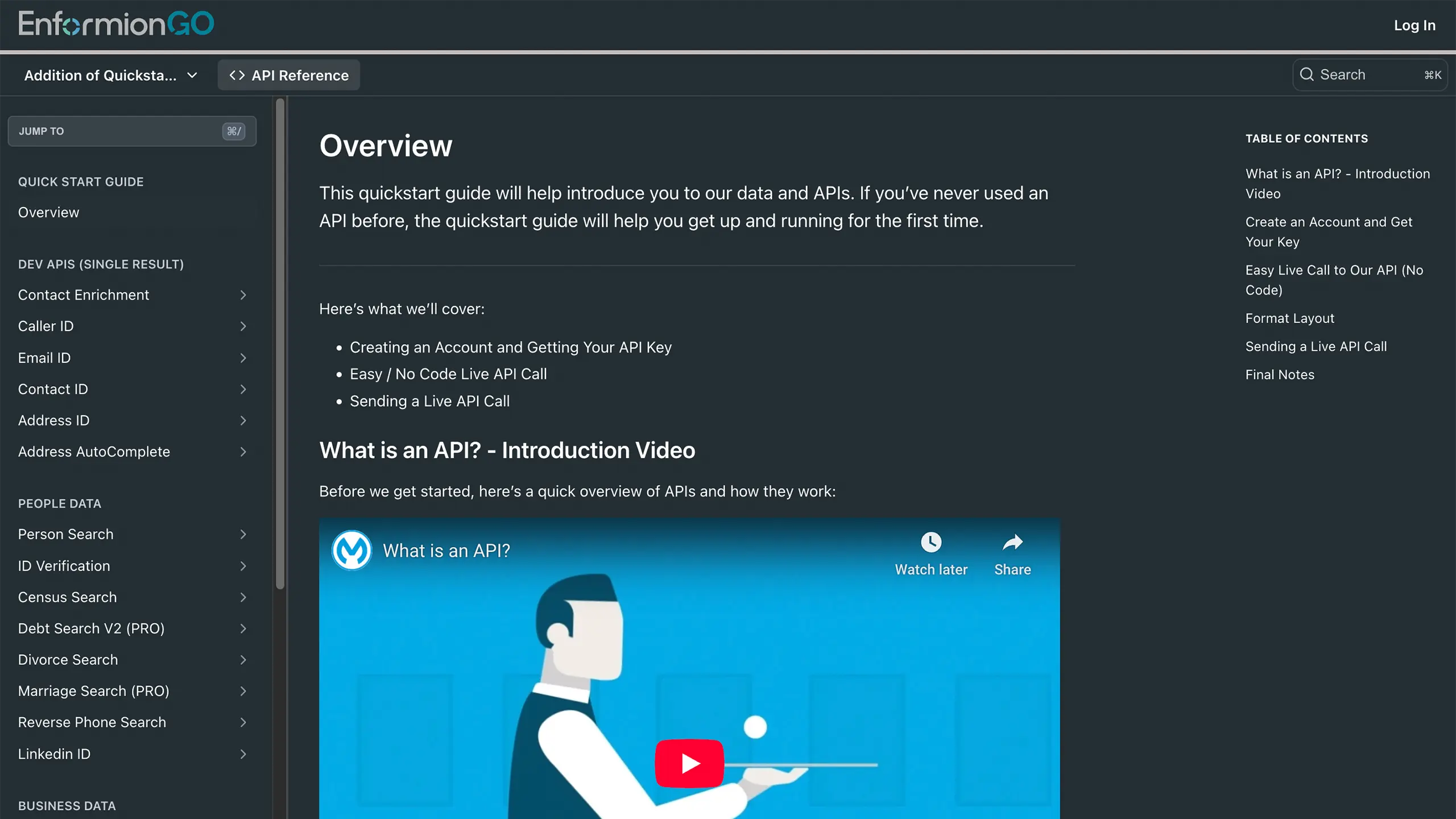
Enformiongo api documentation readme

Getting familiar with how to use EnformionGO’s search and API products is very helpful in deciding what products you’ll want to use. We’ve created this quick start guide to walk new users through how to use EnformionGO. Happy searching!

Pro License Data

Filter Pro License Data using the fields below.

  • License Status
    • Multi select
      Description: Select the license status(es) you want to target. You can select more than one


  • License Issuing State
    • Multi select
      Description: Select the license issuing state(s) you want to target. You can select more than one.


  • License Issuing Date Range
    • Select the date range for when the target matches had their license issued.
  • License Expiration Date Range
    • Select the date range for when the target matches had their license expire.

Workplace & Corporation Data

Filter Workplace Data using the fields below.

  • Years at Company
    • Field type: input
    • Description: Enter the number of years at a company for your target matches.
  • Job Title Level
    • Multi select
      Description: Select the job title level(s) you want to target. You can select more than one.
  • Department
    • Multi select
      Description: Select the department(s) you want to target. You can select more than one.
  • Company Revenue Range
    • Field type: range – min/max ($0 – $100,000,000)
    • Description: Set the company revenue range for your matches
  • Company Size
    • Field type: range – min/max (0 – 10,000)
    • Description: Set the company size range for your matches
  • Office Location City
    • Field type: input
    • Description: Enter the office location city name you want to target
 
  • Office Location County
    • Field type: input
    • Description: Enter the office location county name you want to target
  • Office Location State
    • Field type: Multi-select
    • Description: Select the office location state(s) you want to target. You can select more than one.
  • Office Location Zip
    • Field type: input
    • Description: Enter the office location zip code you want to target

Property Data

Filter Property Data using the fields below.

  • Number of Property Owners
    • Field type: range – min/max (0 – 50)
    • Description: Set the range of the number of owners for one of the properties linked to each match you want to target
  • Land Use Code
    • Field type: input
    • Description: Enter the land use code (number only) for one of the properties linked to each match you want to target. For example, for “1100: Single-Family Home” you would enter “1100”
  • Total Square Footage
    • Field type: input
    • Description: Enter the total square footage (number only) for one of the properties linked to each match you want to target

  • Property Value
    • Field type: range – min/max (0 – 10 million)
    • Description: Set the range of the property value for one of the properties linked to each match you want to target
  • Mortgage Amount
    • Field type: input
    • Description: Enter the mortgage amount (number only) for one of the properties linked to each match you want to target
  • Purchase Date
    • Field type: input
    • Description: Enter the purchase date (number only) for one of the properties linked to each match you want to target
  • Property Type
    • Multi select
      Description: Select the property type(s) you want to target. You can select more than one.
  • Owner Type
    • Multi select
      Description: Select the owner type(s) you want to target. You can select more than one.
  • Owner Status
    • Multi select
      Description: Select the owner status(es) you want to target. You can select more than one.
  • Owner Occupied
    • Field type: Boolean
    • Description: Select if you require for one of the properties to be owner-occupied

Consumer Insights Data

Filter Consumer Insights Data using the fields below.

  • Presence of Children
    • Field type: Boolean
    • Description: Select if you require matches with children present in the household
    •  
  • Credit Card Holder
    • Field type: Boolean
    • Description: Select if you require matches to be a credit card holder
  • Interest in Travel
    • Field type: Boolean
    • Description: Select if you require matches to be interested in travel
  • Interest in Cooking
    • Field type: Boolean
    • Description: Select if you require matches to be interested in cooking
  • Interest in Reading
    • Field type: Boolean
    • Description: Select if you require matches to be interested in reading


  • Smoker
    • Field type: Boolean
    • Description: Select if you require matches to be a smoker
  • Exercise Enthusiast
    • Field type: Boolean
    • Description: Select if you require matches to be an exercise enthusiast
  • Exercise with Running
    • Field type: Boolean
    • Description: Select if you require matches who run for exercise
  • Exercise with Walking
    • Field type: Boolean
    • Description: Select if you require matches who walk for exercise
  • Does Aerobic Exercise
    • Field type: Boolean
    • Description: Select if you require matches who do aerobic exercise
  • Into Camping / Hiking
    • Field type: Boolean
    • Description: Select if you require matches who are interested in camping / hiking 
  • Into Natural Foods
    • Field type: Boolean
    • Description: Select if you require matches who are interested in natural foods
  • Into Beauty Health
    • Field type: Boolean
    • Description: Select if you require matches who are interested in health / beauty
  • Into Medical Health
    • Field type: Boolean
    • Description: Select if you require matches who are interested in health / medicine
  • Into the Outdoors
    • Field type: Boolean
    • Description: Select if you require matches who are interested in the outdoors
  • Into Sporty Living
    • Field type: Boolean
    • Description: Select if you require matches who are interested in the outdoors

Location Data

Filter Location Data using the fields below.

  • City
    • Field type: input
    • Description: Enter the city name you want to target
  • County
    • Field type: input
    • Description: Enter the county name you want to target
  • State
    • Field type: Multi-select
    • Description: Select the state(s) you want to target. You can select more than one.
  • Zip
    • Field type: input
    • Description: Enter the zip code you want to target
  • Population Designation
    • Field type: Multi-select
    • Description: Select the population type(s) you want to target. You can select more than one.

Person Data

Filter Person Data using the fields below.

  • Age
    • Field type: range – min/max (18 – 120)
    • Description: Set the age range for your matches
  • Education Level
    • Multi select
      Description: Select the education level(s) you want to target. You can select more than one.
  • Credit Score
    • Field type: range – min/max (0 – 850)
    • Description: Set the credit score range for your matches
  • Estimated Income
    • Field type: range – min/max ($0 – $250,000)
    • Description: Set the income range for your matches. Max setting is $250,000+.
  • Number of Properties Owned
    • Field type: range – min/max (0 – 50)
    • Description: Set the owned properties range for your matches
  • Occupation Level
    • Multi select
      Description: Select the occupation level(s) you want to target. You can select more than one.
  • Marital Status
    • Multi select
      Description: Select the marital status(es) you want to target. You can select more than one.
  • Gender
    • Multi select
      Description: Select the gender(s) you want to target. You can select more than one. Default is all.