Understanding B2B Data Enrichment

Having access to accurate and up-to-date information is critical for making informed decisions. B2B data enrichment has emerged as a powerful solution that enables businesses to enhance their existing data with valuable insights, resulting in better targeting, personalization, and improved overall business outcomes. In this blog, we will delve into the concept of B2B data enrichment, explore its use cases, benefits, and highlight the importance of keeping your data up-to-date and accurate. We will also discuss the different ways you can enrich your data and highlight some enrichment services to consider.

B2B data enrichment refers to the process of enhancing and improving existing business-to-business (B2B) data with additional information from external sources. This can involve adding missing data points such as contact information, company size, industry classification, and financial data, as well as enriching the existing data with deeper insights, such as purchase history, social media activity, and website traffic.
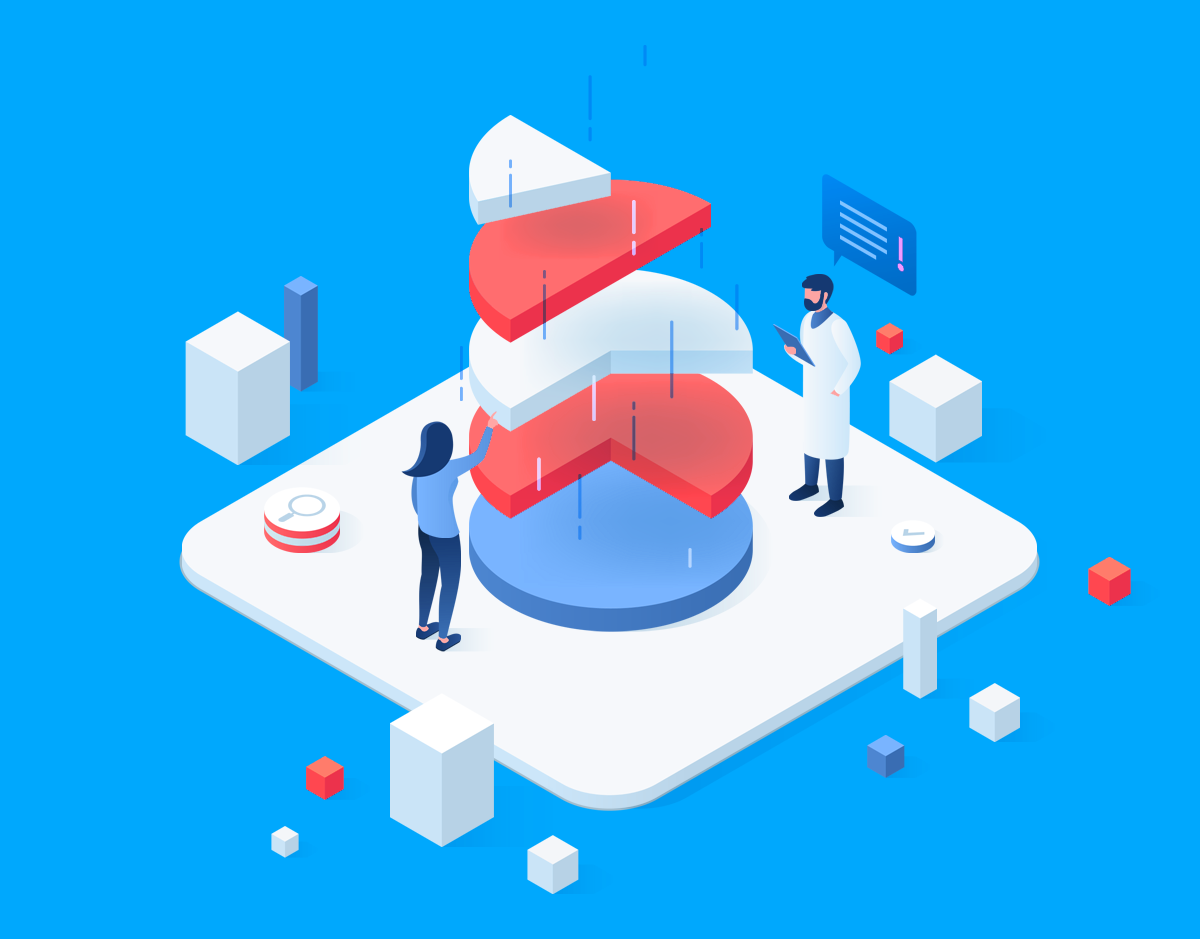
marketing data verification

B2B data enrichment is a crucial process for businesses looking to improve their marketing, sales, and customer service efforts. By enhancing and improving existing B2B data with additional information from external sources, businesses can gain a better understanding of their customers, identify new prospects, and develop more effective strategies for engaging with them.

  • Lead Generation and Prospecting: B2B data enrichment can help businesses identify and qualify leads by appending missing information, such as contact details, job titles, and company size, to their existing lead data. This enables businesses to better target their prospects and personalize their outreach, resulting in higher conversion rates and improved sales efficiency.
  • Account-Based Marketing (ABM): B2B data enrichment can provide valuable insights about target accounts, such as company size, industry, revenue, and technology stack. This information helps businesses tailor their ABM strategies and messaging to resonate with their target accounts, resulting in more effective and personalized marketing campaigns.
  • Fraud detection: B2B data enrichment can help identify fraudulent activity by adding additional data points like IP address, location, and device type. This can help businesses detect and prevent fraudulent transactions before they occur.
  • Customer Relationship Management (CRM) and Sales Enablement: B2B data enrichment can help businesses keep their CRM data up-to-date and accurate by appending missing or outdated information, such as contact details, job titles, and company information. This ensures that sales and marketing teams have access to the most current and relevant data, resulting in better customer engagement and improved sales performance.

Graphic depicting a marketer reviewing contact enrichment API

Data enrichment has become a crucial tool for businesses looking to improve their data quality, efficiency, and competitive advantage. By enhancing and adding missing data points, businesses can better understand their customers’ needs, identify emerging trends, and develop more targeted marketing and sales strategies. In this response, we will explore some of the key benefits of data enrichment in business, including improved data quality, increased efficiency, and competitive advantage.

One of the key benefits of data enrichment is improved data quality. By enhancing and adding missing data points, businesses can rely on their data for better decision-making. With accurate, complete, and up-to-date data, businesses can identify new opportunities, better understand their customers’ needs, and develop more targeted marketing and sales strategies.

Another benefit of data enrichment is increased efficiency. By automating the process of data enrichment, businesses can save time and resources that would otherwise be spent manually updating and verifying data. This allows employees to focus on more value-added tasks, such as analyzing and interpreting data insights to inform business strategies.Data enrichment can also help businesses stay ahead of the competition. By enriching their data with external sources, businesses can gain deeper insights into their customers’ behavior and preferences, as well as identify emerging trends and industry changes. This enables businesses to adapt and innovate more quickly, giving them a competitive edge in the marketplace.

In today’s rapidly changing business environment, data can quickly become outdated and inaccurate. Contact information may change, companies may go through mergers or acquisitions, and market trends may shift. Therefore, it is crucial for businesses to prioritize keeping their data up-to-date and accurate.

Accurate and up-to-date data is the foundation of informed decision making. Businesses rely on data to analyze market trends, identify opportunities, and make strategic decisions. Outdated or inaccurate data can lead to flawed insights and poor decision making, resulting in missed opportunities or costly mistakes.

Customer information, such as contact details, preferences, and purchase history, changes over time. Keeping this data up-to-date enables businesses to engage with their customers effectively, personalize their communications, and improve customer engagement. Outdated or inaccurate customer data can lead to poor customer engagement, reduced customer satisfaction, and even lost customers.

Sales and marketing teams heavily rely on data for lead generation, prospecting, and customer segmentation. Enriching and maintaining accurate data enables these teams to better target their efforts, personalize their messaging, and improve their overall effectiveness. Outdated or inaccurate data can result in wasted efforts, lower conversion rates, and decreased sales and marketing performance.

Data quality is critical for businesses to ensure that they are working with reliable information. Outdated or inaccurate data can lead to duplicate records, data inconsistencies, and data integrity issues. This can negatively impact business operations, decision making, and overall data-driven strategies.

Data enrichment is the process of enhancing and improving existing data with additional information from external sources. There are several different ways to enrich your data, such as web scraping, manual researching, and using data enrichment tools and services.

As an API-driven data enrichment platform, EnformionGO.com offers a range of data enrichment services to help businesses improve their data quality, accuracy, and completeness. Choosing the right data enrichment service can help businesses improve their data quality, accuracy, and competitiveness. Here are some of our more popular products customers use for data enrichment:


Starter

Business Search

Performs a criteria search, and returns a list of matching businesses

Starter

Contact Enrichment

Enrich your contacts with additional contact info

Starter

Email ID

Find someone’s name and contact info just from an email

Starter

Person Search

Performs a person search, and returns a list of people matching the search criteria

B2B data enrichment has become a crucial process for businesses looking to improve their marketing, sales, and customer service efforts. By enhancing and improving existing B2B data with additional information from external sources, businesses can gain a better understanding of their customers, identify new prospects, and develop more effective strategies for engaging with them. Enriching your data has several benefits, including improved data quality, increased efficiency, and a competitive advantage. By embracing B2B data enrichment, your business can stay ahead of the competition and achieve goals faster and more efficiently. Figure out more about how EnformionGO can improve your data enrichment process.
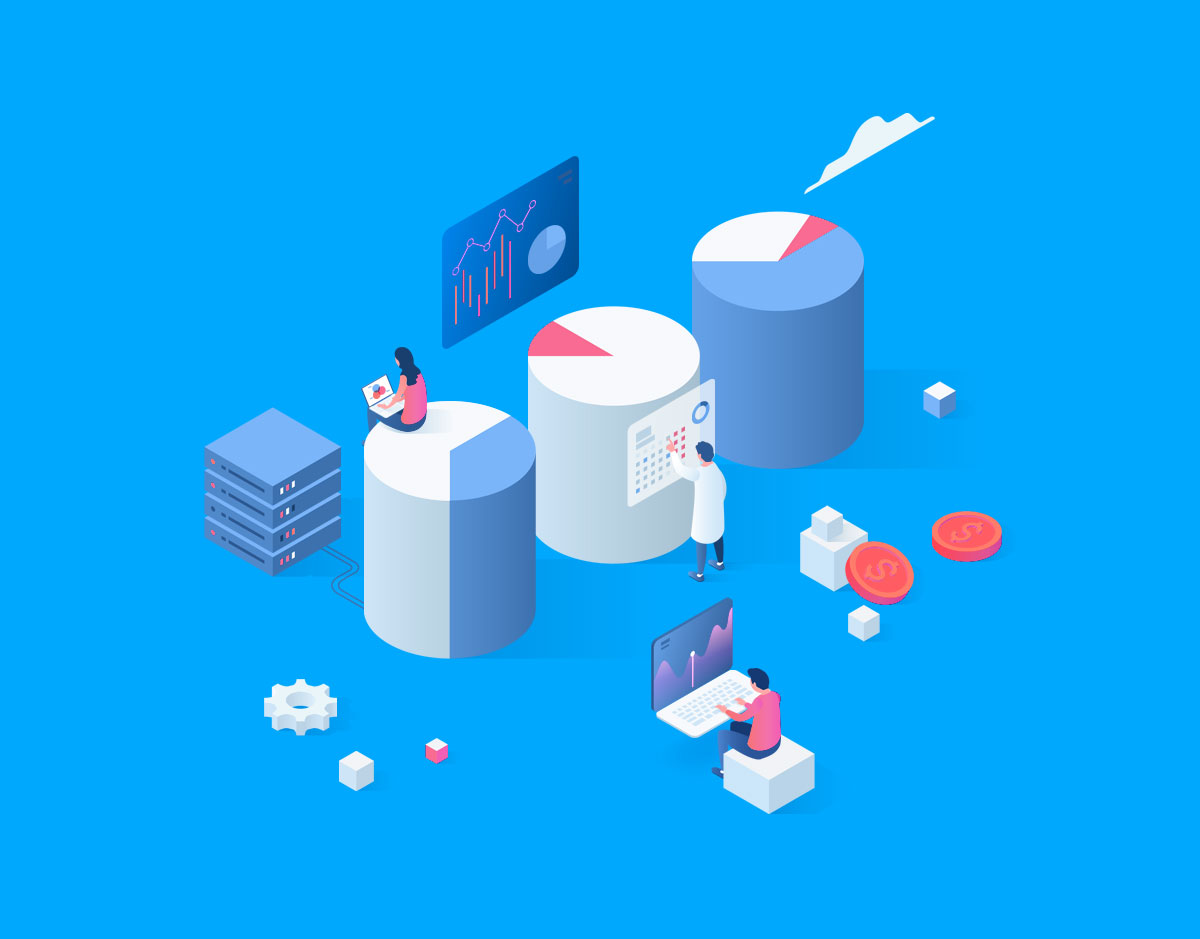
A graphic depicting marketing data developers working on API tools
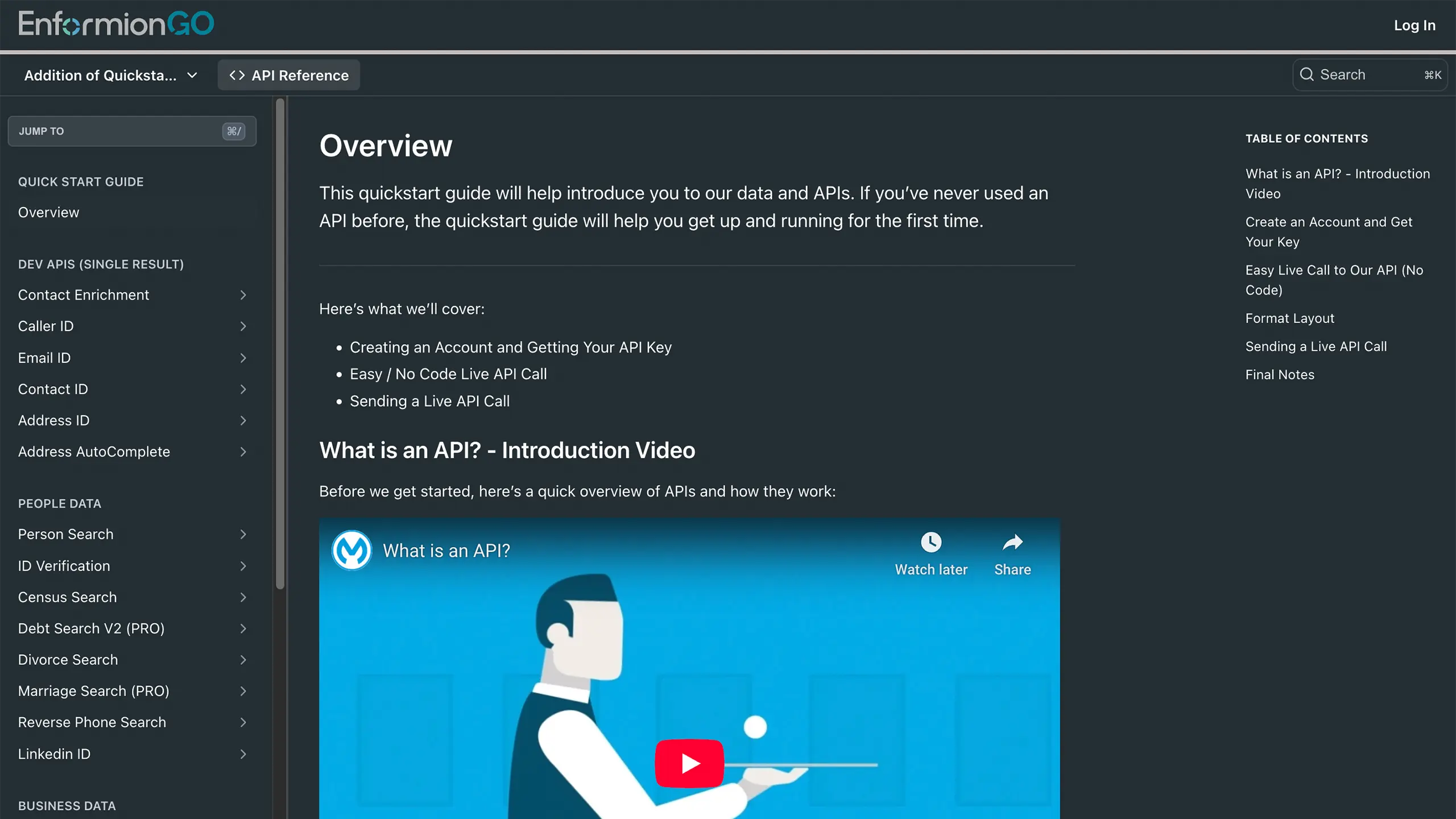
Enformiongo api documentation readme

Getting familiar with how to use EnformionGO’s search and API products is very helpful in deciding what products you’ll want to use. We’ve created this quick start guide to walk new users through how to use EnformionGO. Happy searching!

Pro License Data

Filter Pro License Data using the fields below.

  • License Status
    • Multi select
      Description: Select the license status(es) you want to target. You can select more than one


  • License Issuing State
    • Multi select
      Description: Select the license issuing state(s) you want to target. You can select more than one.


  • License Issuing Date Range
    • Select the date range for when the target matches had their license issued.
  • License Expiration Date Range
    • Select the date range for when the target matches had their license expire.

Workplace & Corporation Data

Filter Workplace Data using the fields below.

  • Years at Company
    • Field type: input
    • Description: Enter the number of years at a company for your target matches.
  • Job Title Level
    • Multi select
      Description: Select the job title level(s) you want to target. You can select more than one.
  • Department
    • Multi select
      Description: Select the department(s) you want to target. You can select more than one.
  • Company Revenue Range
    • Field type: range – min/max ($0 – $100,000,000)
    • Description: Set the company revenue range for your matches
  • Company Size
    • Field type: range – min/max (0 – 10,000)
    • Description: Set the company size range for your matches
  • Office Location City
    • Field type: input
    • Description: Enter the office location city name you want to target
 
  • Office Location County
    • Field type: input
    • Description: Enter the office location county name you want to target
  • Office Location State
    • Field type: Multi-select
    • Description: Select the office location state(s) you want to target. You can select more than one.
  • Office Location Zip
    • Field type: input
    • Description: Enter the office location zip code you want to target

Property Data

Filter Property Data using the fields below.

  • Number of Property Owners
    • Field type: range – min/max (0 – 50)
    • Description: Set the range of the number of owners for one of the properties linked to each match you want to target
  • Land Use Code
    • Field type: input
    • Description: Enter the land use code (number only) for one of the properties linked to each match you want to target. For example, for “1100: Single-Family Home” you would enter “1100”
  • Total Square Footage
    • Field type: input
    • Description: Enter the total square footage (number only) for one of the properties linked to each match you want to target

  • Property Value
    • Field type: range – min/max (0 – 10 million)
    • Description: Set the range of the property value for one of the properties linked to each match you want to target
  • Mortgage Amount
    • Field type: input
    • Description: Enter the mortgage amount (number only) for one of the properties linked to each match you want to target
  • Purchase Date
    • Field type: input
    • Description: Enter the purchase date (number only) for one of the properties linked to each match you want to target
  • Property Type
    • Multi select
      Description: Select the property type(s) you want to target. You can select more than one.
  • Owner Type
    • Multi select
      Description: Select the owner type(s) you want to target. You can select more than one.
  • Owner Status
    • Multi select
      Description: Select the owner status(es) you want to target. You can select more than one.
  • Owner Occupied
    • Field type: Boolean
    • Description: Select if you require for one of the properties to be owner-occupied

Consumer Insights Data

Filter Consumer Insights Data using the fields below.

  • Presence of Children
    • Field type: Boolean
    • Description: Select if you require matches with children present in the household
    •  
  • Credit Card Holder
    • Field type: Boolean
    • Description: Select if you require matches to be a credit card holder
  • Interest in Travel
    • Field type: Boolean
    • Description: Select if you require matches to be interested in travel
  • Interest in Cooking
    • Field type: Boolean
    • Description: Select if you require matches to be interested in cooking
  • Interest in Reading
    • Field type: Boolean
    • Description: Select if you require matches to be interested in reading


  • Smoker
    • Field type: Boolean
    • Description: Select if you require matches to be a smoker
  • Exercise Enthusiast
    • Field type: Boolean
    • Description: Select if you require matches to be an exercise enthusiast
  • Exercise with Running
    • Field type: Boolean
    • Description: Select if you require matches who run for exercise
  • Exercise with Walking
    • Field type: Boolean
    • Description: Select if you require matches who walk for exercise
  • Does Aerobic Exercise
    • Field type: Boolean
    • Description: Select if you require matches who do aerobic exercise
  • Into Camping / Hiking
    • Field type: Boolean
    • Description: Select if you require matches who are interested in camping / hiking 
  • Into Natural Foods
    • Field type: Boolean
    • Description: Select if you require matches who are interested in natural foods
  • Into Beauty Health
    • Field type: Boolean
    • Description: Select if you require matches who are interested in health / beauty
  • Into Medical Health
    • Field type: Boolean
    • Description: Select if you require matches who are interested in health / medicine
  • Into the Outdoors
    • Field type: Boolean
    • Description: Select if you require matches who are interested in the outdoors
  • Into Sporty Living
    • Field type: Boolean
    • Description: Select if you require matches who are interested in the outdoors

Location Data

Filter Location Data using the fields below.

  • City
    • Field type: input
    • Description: Enter the city name you want to target
  • County
    • Field type: input
    • Description: Enter the county name you want to target
  • State
    • Field type: Multi-select
    • Description: Select the state(s) you want to target. You can select more than one.
  • Zip
    • Field type: input
    • Description: Enter the zip code you want to target
  • Population Designation
    • Field type: Multi-select
    • Description: Select the population type(s) you want to target. You can select more than one.

Person Data

Filter Person Data using the fields below.

  • Age
    • Field type: range – min/max (18 – 120)
    • Description: Set the age range for your matches
  • Education Level
    • Multi select
      Description: Select the education level(s) you want to target. You can select more than one.
  • Credit Score
    • Field type: range – min/max (0 – 850)
    • Description: Set the credit score range for your matches
  • Estimated Income
    • Field type: range – min/max ($0 – $250,000)
    • Description: Set the income range for your matches. Max setting is $250,000+.
  • Number of Properties Owned
    • Field type: range – min/max (0 – 50)
    • Description: Set the owned properties range for your matches
  • Occupation Level
    • Multi select
      Description: Select the occupation level(s) you want to target. You can select more than one.
  • Marital Status
    • Multi select
      Description: Select the marital status(es) you want to target. You can select more than one.
  • Gender
    • Multi select
      Description: Select the gender(s) you want to target. You can select more than one. Default is all.