Workplace Search API

Find workplace information matching your search

Enformiongo api logo allwhite

Example Requests and Responses

Workplace Search Example
Perform a workplace search and get a detailed report on our best match.
Sample Request
Sample Response
				
					{
    "BusinessName": "Test",
}
Or
{
    "FirstName": "Test",
    "MiddleName": "",
    "LastName": "Test",
    "Dob": "",
    "AddressLine1": "",
    "HouseNumber": "",
    "Street": "",
    "Unit": "",
    "City": "",
    "State": "",
    "Zip": "",
    "JobTitle": "",
    "Industry": "",
    "Level": "",
    "Phone": "",
}
Or
{
  "TahoeId": "",
}
Or
{
  "WorkplaceSearchId": "",
}


Pricing

Call for more details on premium product pricing​
Volume Discount Pricing Available
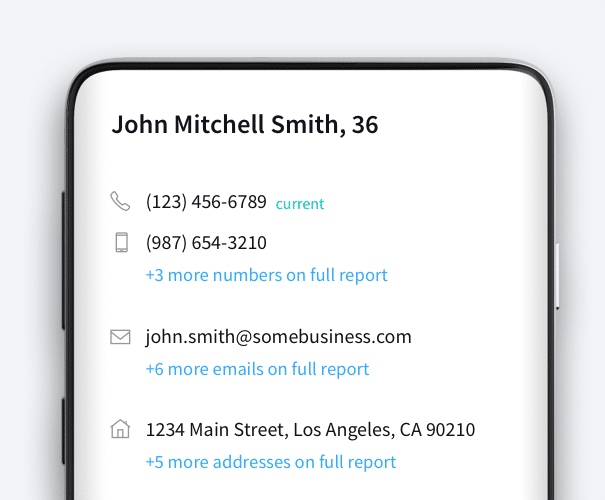
An example of EnformionGO’s API showcasing information on John Mitchell Smith

Power Your Products Like Never Before

Create amazing data-driven solutions from our flexible data APIs
Enrich and bulk append your contact information
Reverse Address lookups for full profiles
Address ID, reported date and current residence

Person Data

Filter Person Data using the fields below.

  • Age
    • Field type: range – min/max (18 – 120)
    • Description: Set the age range for your matches
  • Education Level
    • Multi select
      Description: Select the education level(s) you want to target. You can select more than one.
  • Credit Score
    • Field type: range – min/max (0 – 850)
    • Description: Set the credit score range for your matches
  • Estimated Income
    • Field type: range – min/max ($0 – $250,000)
    • Description: Set the income range for your matches. Max setting is $250,000+.
  • Number of Properties Owned
    • Field type: range – min/max (0 – 50)
    • Description: Set the owned properties range for your matches
  • Occupation Level
    • Multi select
      Description: Select the occupation level(s) you want to target. You can select more than one.
  • Marital Status
    • Multi select
      Description: Select the marital status(es) you want to target. You can select more than one.
  • Gender
    • Multi select
      Description: Select the gender(s) you want to target. You can select more than one. Default is all.